



10 Best AI Video Translators for Businesses to Reach Global Customers in 2026
Your business videos should sound convincing in every language. Read my comparison of 10 AI video translators to find practical tools for dubbing, lip sync, and subtitles.
Quick Answer: What Is the Best AI Video Translator for Businesses?
Pollo AI is my pick for the best AI video translator for businesses overall. It translates speech and subtitles into 40+ languages and accents, aims to preserve the speaker's tone, synchronizes lip movements, and maintains the original video duration.
What I value most is how these capabilities work together. For product demos, training videos, or marketing campaigns, Pollo AI helps keep presenters recognizable and scene timing intact. That makes it easier to reach international audiences without rebuilding your videos for every market.
10 Best AI Video Translators for Businesses at a Glance
| Tool | Best For | Pricing |
|---|---|---|
| Pollo AI | Cross-market campaigns needing voice, subtitles, and lip sync together | From $15/month (Lite) |
| HeyGen | On-camera messaging where facial alignment builds trust | From $29/month (Creator) |
| Synthesia | Maintaining terminology and lesson versions across offices | From $19/month (Starter) |
| ElevenLabs | Preserving distinct voices in interviews and panel recordings | From $6/month (Starter) |
| VEED | Fine-tuning captions, framing, and branding in one editor | From about $22/user/month (Pro, billed annually) |
| Kapwing | Shared reviews and multi-format exports for regional teams | From $16/member/month (Pro, billed annually) |
| AKOOL | Checking spoken instructions against on-screen actions | From $12/seat/month (Starter, billed annually) |
| Vozo AI | Product demos containing charts, labels, and slide graphics | From $29/month (Creator) |
| CapCut | Quick bilingual captions for mobile-first promotions | From $19.99/month (Pro) |
| Vidnoz AI | Small teams exploring international outreach with presenters | From about $26.99/month (Vidnoz AI Starter) |
Pollo AI: Best AI Video Translator for Businesses Overall
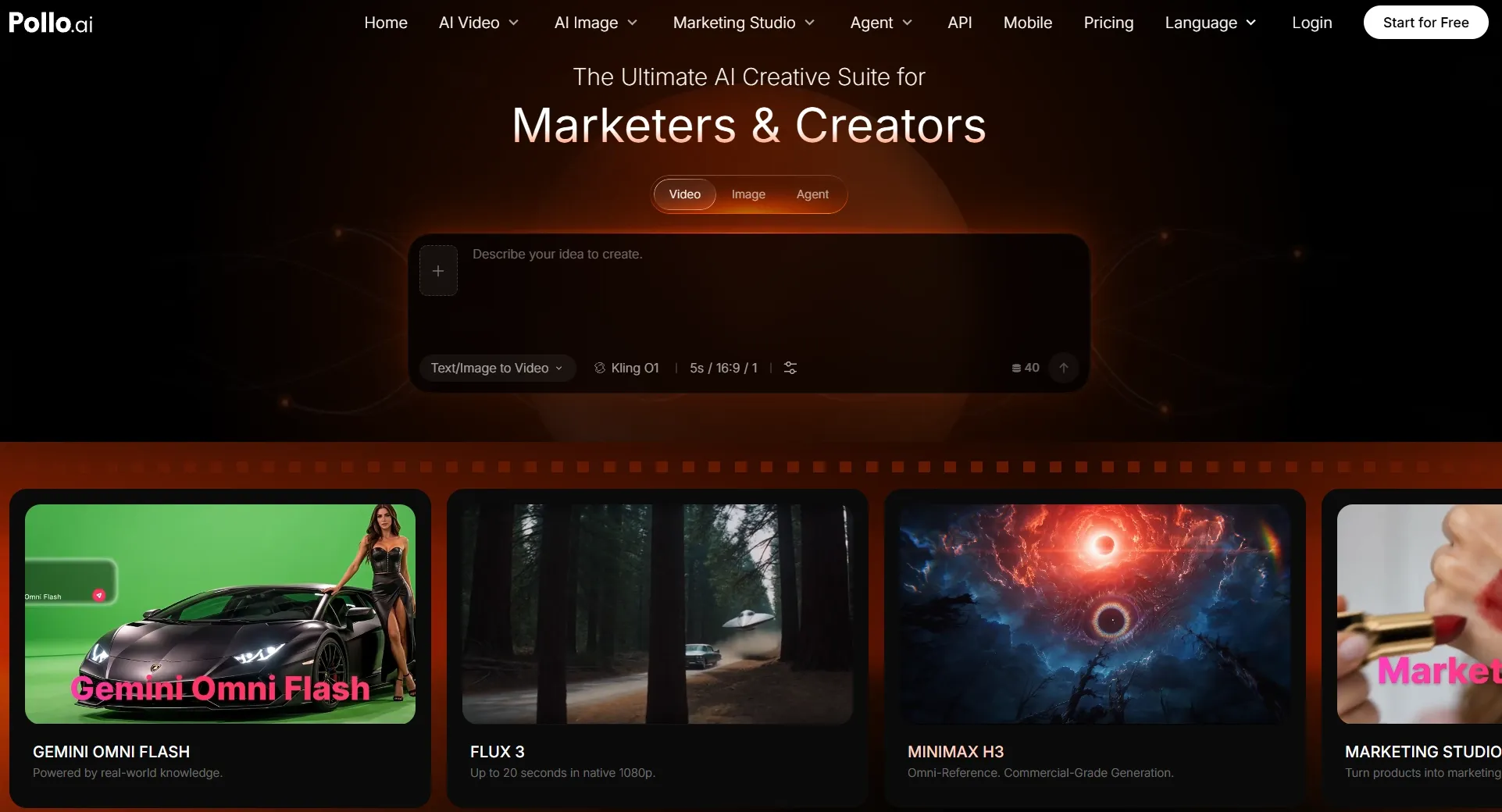
What matters most to me in business video translation is whether the localized version still feels like the original.
That’s why Pollo AI’s video translator earns my top spot. I can upload a video or provide its URL, choose a target language, and translate speech and subtitles across 40+ languages and accents. More importantly, it handles them together, helping ensure that what viewers hear matches what they read.
I also value its approach to preserving the speaker’s tone and synchronizing lip movements with translated dialogue. For a founder’s introduction, sales presentation, or testimonial, these details are especially important.
A familiar voice helps preserve the speaker’s personality, while matching mouth movements make the conversation feel more convincing. Together, they help businesses build trust with international audiences without filming separate versions.
Another feature I find particularly valuable is duration preservation. Different languages naturally require different amounts of time to express the same message. Pollo AI is designed to keep the translated video’s overall length consistent with the original, helping preserve scene transitions, product reveals, and carefully positioned calls to action.
Beyond translation, Pollo AI offers a broader video production workflow. I have access to 70+ leading AI video models, including the newly launched Seedance 2.5, so I am flexible to test different directions and find the best fit. Its AI video editor also lets me modify backgrounds, remove distracting objects, or adjust visual elements through simple text prompts.
For larger projects, Pollo Agent brings another advantage. Its specialized skills can turn briefs, scripts, product links, and reference assets into post-ready videos without any manual editing. I find this particularly useful when a business needs not only translated content but also fresh creative variations for different audiences and campaigns.
Key Features
- 40+ languages and accents: Translate spoken dialogue and matching subtitles in one workflow.
- Voice tone preservation: Keep the translated speaker's delivery connected to the original.
- Lip sync: Match visible mouth movements to newly generated speech.
- Original-duration output: Maintain scene timing for existing video edits and campaigns.
- Connected video tools: Move from localization into editing or new video production.
Best For
- E-commerce brands: Translate product walkthroughs and product launches for international shoppers.
- Marketing teams: Adapt presenter-led ads, campaign updates, and customer messages.
- Educators and trainers: Prepare lessons and instructional clips for multilingual audiences.
- Agencies: Reuse approved footage across several client markets.
Pros:
- Localizes speech and subtitles together.
- Preserves recognizable speaker delivery and video timing.
- Connects translation with broader video creation tools.
Cons:
- Free credits do not cover large translation libraries.
- Specialized enterprise approval features are not its focus.
Take Your Business Videos Across Borders With Pollo AI
Give existing footage a new audience with translated voices, subtitles, and synchronized speech—without planning another shoot.
Translate Your Video With Pollo AI
HeyGen: Best AI Video Translator for Businesses Creating Lip-Synced Sales Videos
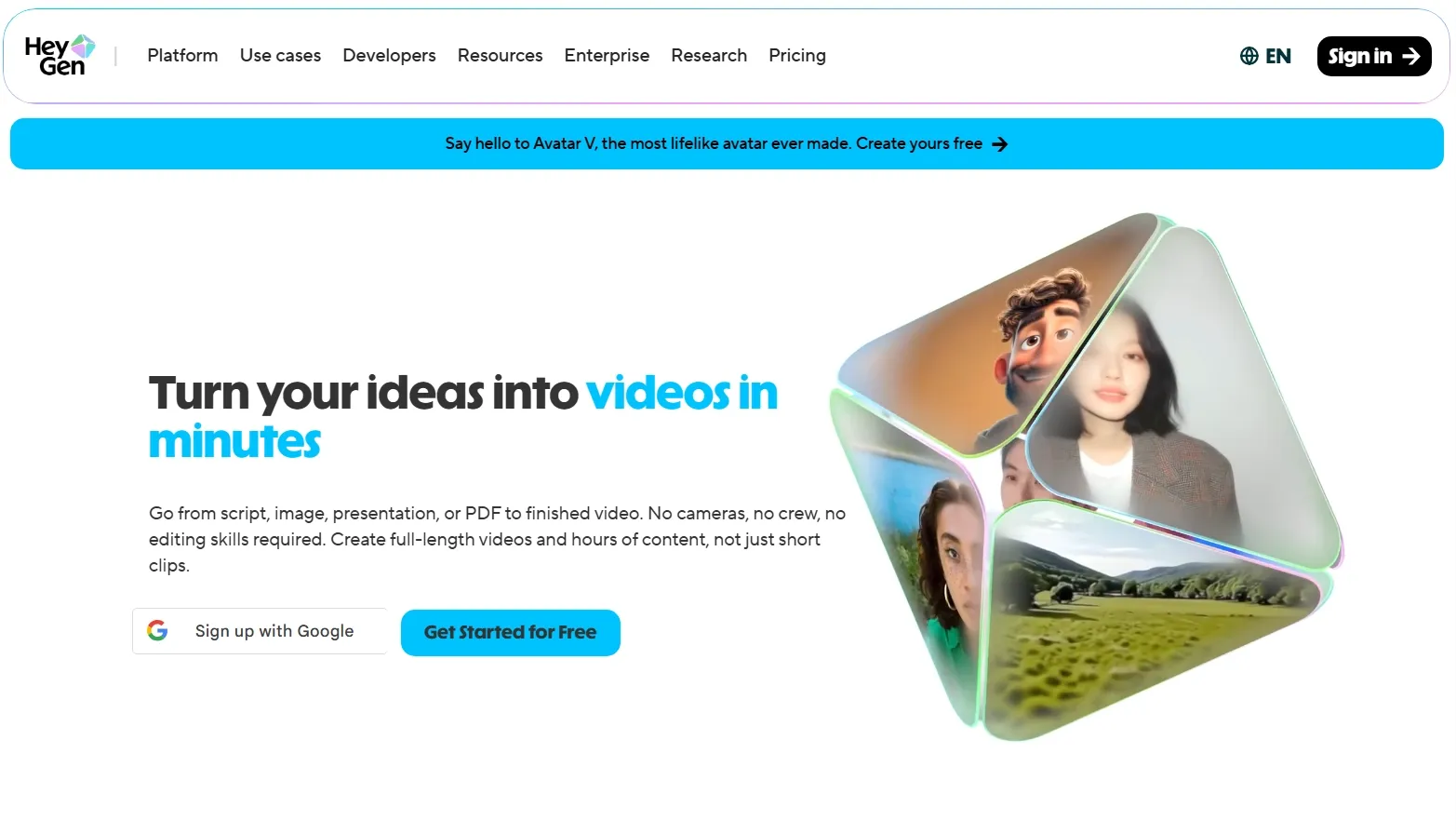
HeyGen caught my attention for a very specific reason: close-up speaking shots. In a founder's pitch or sales introduction, even a short mismatch between the new dialogue and visible mouth movements can distract from the message.
The choice between audio-only dubbing and lip-synced translation makes sense to me. HeyGen also separates Speed and Precision modes. For a voiceover playing above screen recordings, I'd spend less effort on mouth movement; for a presenter filling the frame, the more precise treatment is easier to justify.
I checked the trade-off behind that flexibility. HeyGen covers a wide range of languages and dialects, and eligible plans include script proofreading. Precision mode uses more credits per minute than the faster route. For a campaign with several target markets, I'd save premium processing for the scenes where viewers are watching a face.
Want to know more about HeyGen? Read our HeyGen review.
Key Features
- Lip-synced translation: Adjust mouth movements to match localized speech.
- Audio-only dubbing: Translate narration without additional facial processing.
- Speed and Precision modes: Balance processing cost against difficult source footage.
- Script proofreading: Review translated words on eligible plans.
Best For
- Sales teams: Localize personal outreach and product pitches.
- Founders: Deliver brand stories in multiple languages.
- Brand spokespeople: Adapt close-up presenter videos for regional audiences.
Pros:
- Strong options for visible speaking subjects.
- Flexible audio and lip-sync workflows.
- Broad language and dialect coverage.
Cons:
- Precision mode spends more translation credits.
- Crowded scenes can complicate lip sync.
Synthesia: Best AI Video Translator for Businesses Producing Multilingual Training Videos
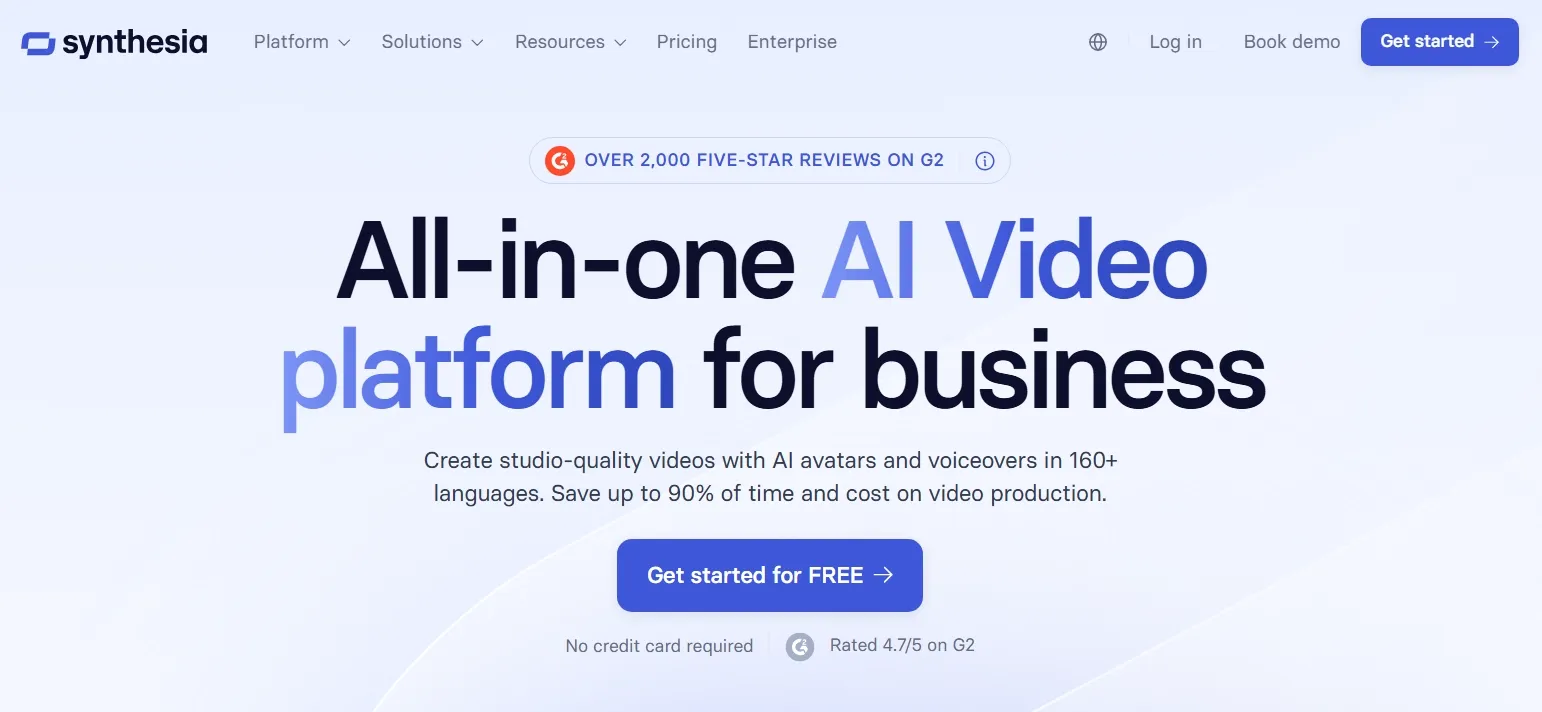
My lens changed when I got to Synthesia. Instead of thinking about a single clip, I pictured a training library with onboarding videos, policy updates, and product walkthroughs. Translation becomes an organizational problem when every department needs the same terminology.
I found its strength in the structure around the video. Synthesia's dubbing workflow accepts existing footage and supported links, with subtitles, speaker preservation, and lip sync. A multilingual player can keep language versions accessible from one place, which is more orderly than circulating separate links for each office.
Its terminology controls are the feature I'd scrutinize for a large rollout. A product name, legal phrase, or internal abbreviation has to remain consistent from the first module to the last. The collaboration features fit that kind of ongoing review.
There is one important pricing distinction: one-click translation for Synthesia projects and the multilingual player require Enterprise. The lower Starter price doesn't represent the full budget for a corporate translation rollout.
For a closer look at Synthesia, read our Synthesia review.
Key Features
- 140+ languages: Translate training videos for international teams.
- Video dubbing: Preserve speaker identity with optional lip synchronization.
- Multilingual player: Offer multiple language versions through one video experience.
- Enterprise controls: Manage translation terminology, collaboration, and distribution.
Best For
- HR departments: Localize employee onboarding and policy videos.
- Learning teams: Deliver online courses across offices and regions.
- Large organizations: Manage consistent training content at scale.
Pros:
- Strong corporate training infrastructure.
- Useful multilingual playback and governance features.
- Supports external footage and avatar-led content.
Cons:
- Key automation features require Enterprise.
- More infrastructure than occasional projects need.
ElevenLabs: Best AI Video Translator for Businesses Dubbing Webinars and Explainers
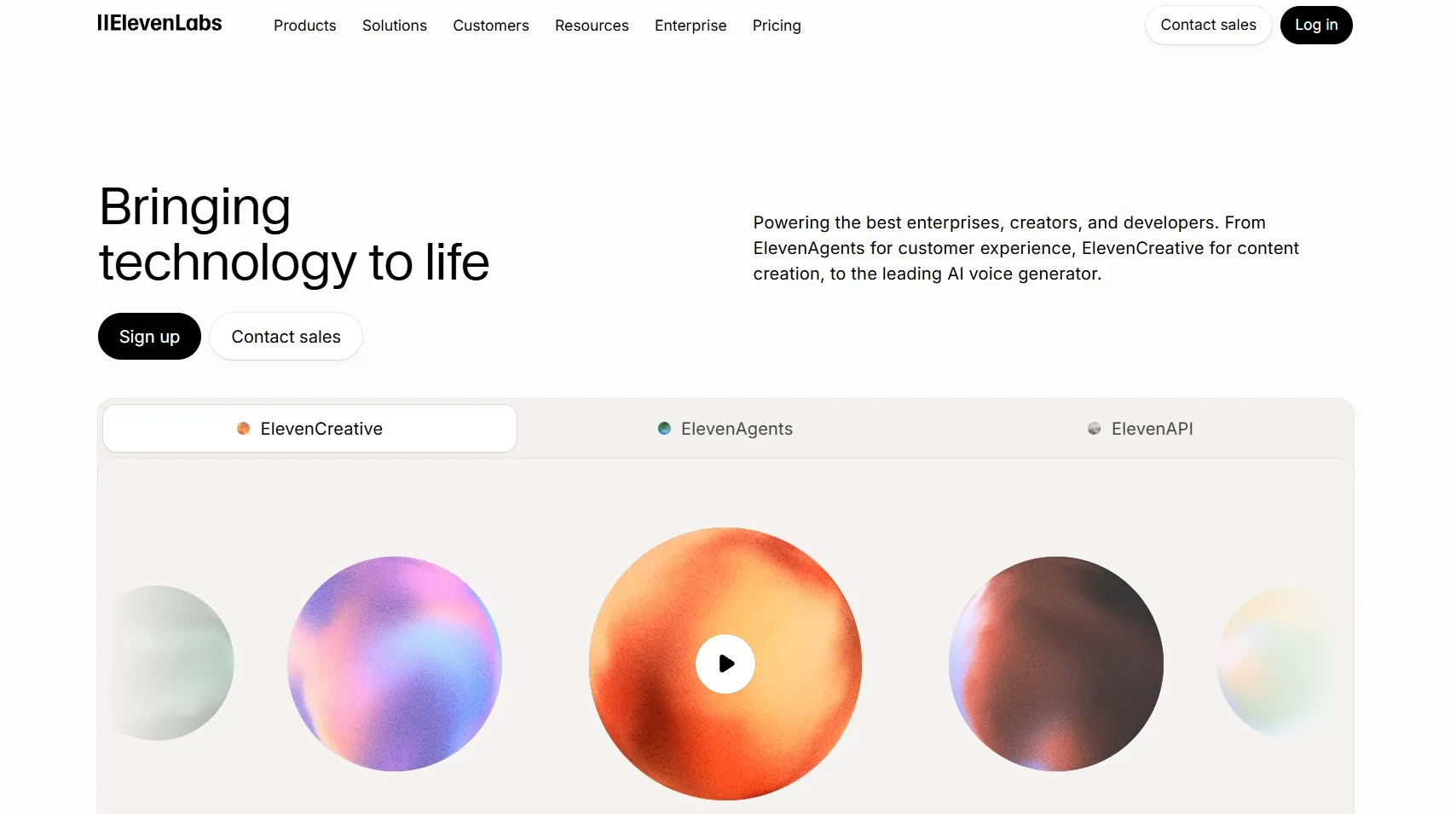
I approached ElevenLabs with my ears in mind. A recorded webinar might show slides for most of its runtime; a product explainer may rely entirely on narration. In both cases, the personality of the voice matters more than changing a face on-screen.
The dubbing workflow covers 90+ languages and focuses on retaining voice identity, emotion, timing, and delivery. I was especially interested in multi-speaker detection. A panel discussion needs its participants to remain distinguishable after translation; otherwise, the conversation becomes harder to follow.
Another practical detail is source flexibility. You can work from uploaded video or supported online sources, which suits businesses revisiting video presentations rather than filming new material. For narration-heavy content, ElevenLabs earns its place near the top of my shortlist.
The limitation is equally clear to me: excellent dubbing isn't the same as a fully localized video. Slide labels, graphic text, and visible speakers can call for separate attention. Because source minutes and target languages affect usage, I'd also work out the total cost for a recurring webinar series before committing.
Curious about its other capabilities? Explore our ElevenLabs review.
Key Features
- Multilingual dubbing: Translate audio and video across 90+ languages.
- Voice identity preservation: Retain tone and recognizable vocal characteristics.
- Multi-speaker detection: Handle more than one person in a recording.
- Flexible source inputs: Dub uploaded files and supported video links.
Best For
- Webinar hosts: Make recorded sessions accessible in new languages.
- Education businesses: Dub narrated lessons and explainers.
- B2B marketers: Localize voice-led presentations and thought-leadership videos.
Pros:
- Especially focused on voice quality.
- Preserves speaker character and emotional delivery.
- Useful for narration-heavy content.
Cons:
- Visual localization may require other tools.
- Each additional language increases dubbing usage.
VEED: Best AI Video Translator for Businesses Localizing Marketing Videos With Subtitles
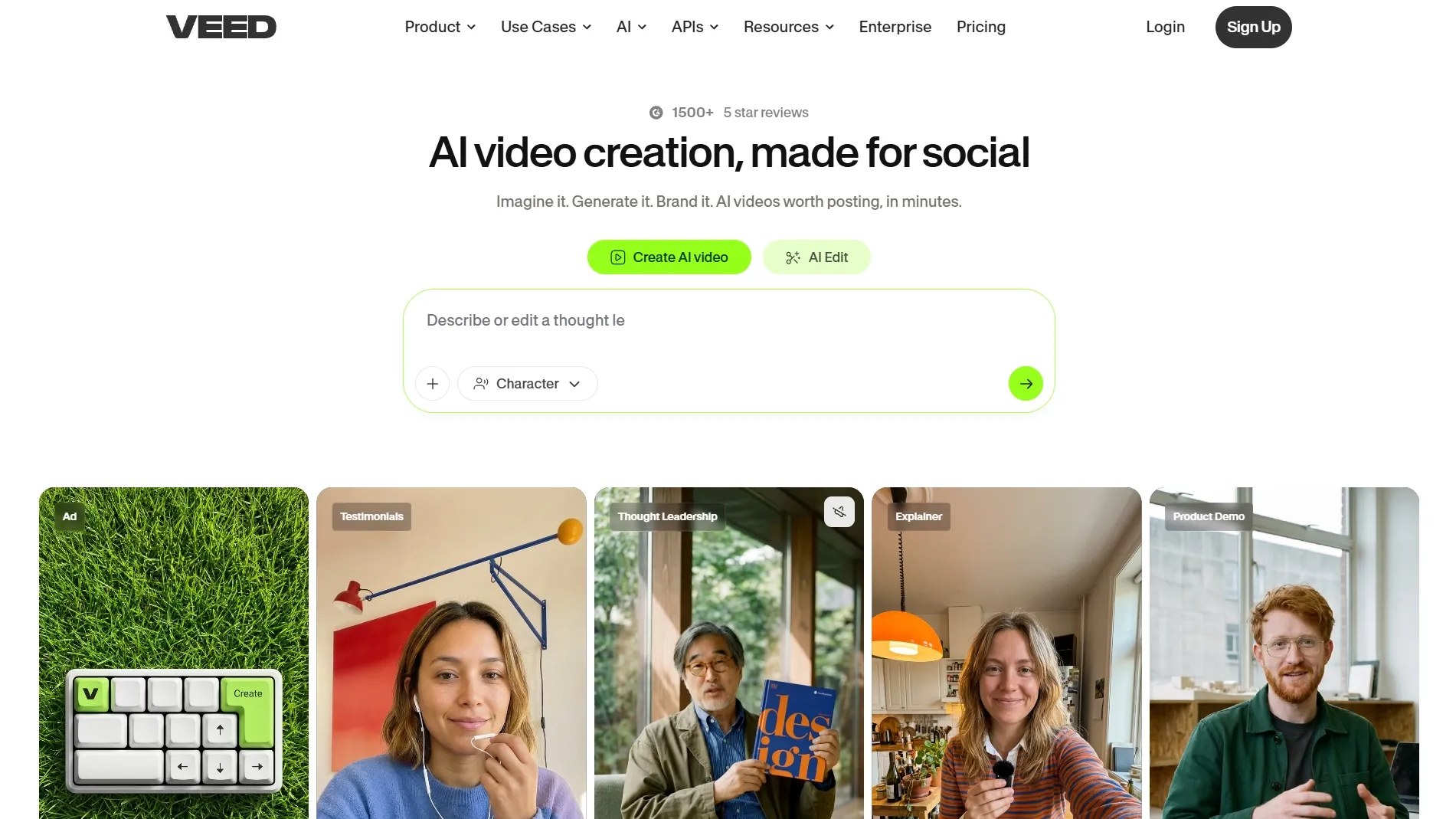
When I considered VEED, I started with a familiar marketing problem: the translated caption runs too long and hides the product. The words may be accurate, but the video no longer looks ready to publish.
VEED's advantage is having subtitle translation, AI dubbing, and optional lip sync alongside a browser-based editor. I can see why that arrangement appeals to marketers: after choosing a language, the natural next step is to adjust caption styling, reframe the video, or the ending card.
I also noted its dubbing API. A media team working through a backlog of clips has different requirements from someone exporting a single translated testimonial, and an automated route can matter at that scale.
Before budgeting, though, I'd inspect the minute allowance and editing permissions. Some proofreading and subtitle-upload controls sit behind Enterprise, and lip sync is an additional processing step. Those constraints become noticeable when the same campaign needs versions for several markets.
Read our VEED review for a deeper look at its video tools.
Key Features
- Subtitle translation: Turn original captions into another language.
- AI dubbing: Generate spoken translations with voice options.
- Optional lip sync: Align visible speakers with dubbed audio.
- Video editor and API: Refine individual clips or automate localization.
Best For
- Digital marketers: Add translated captions to promotional videos.
- Content teams: Edit localized testimonials and customer stories.
- Media companies: Build more automated dubbing workflows.
Pros:
- Translation fits naturally into video editing.
- Good controls for subtitle-first content.
- API option supports larger workloads.
Cons:
- Paid translation minutes have limits.
- Some proofreading controls require Enterprise.
Kapwing: Best AI Video Translator for Businesses Adapting Social Media Content
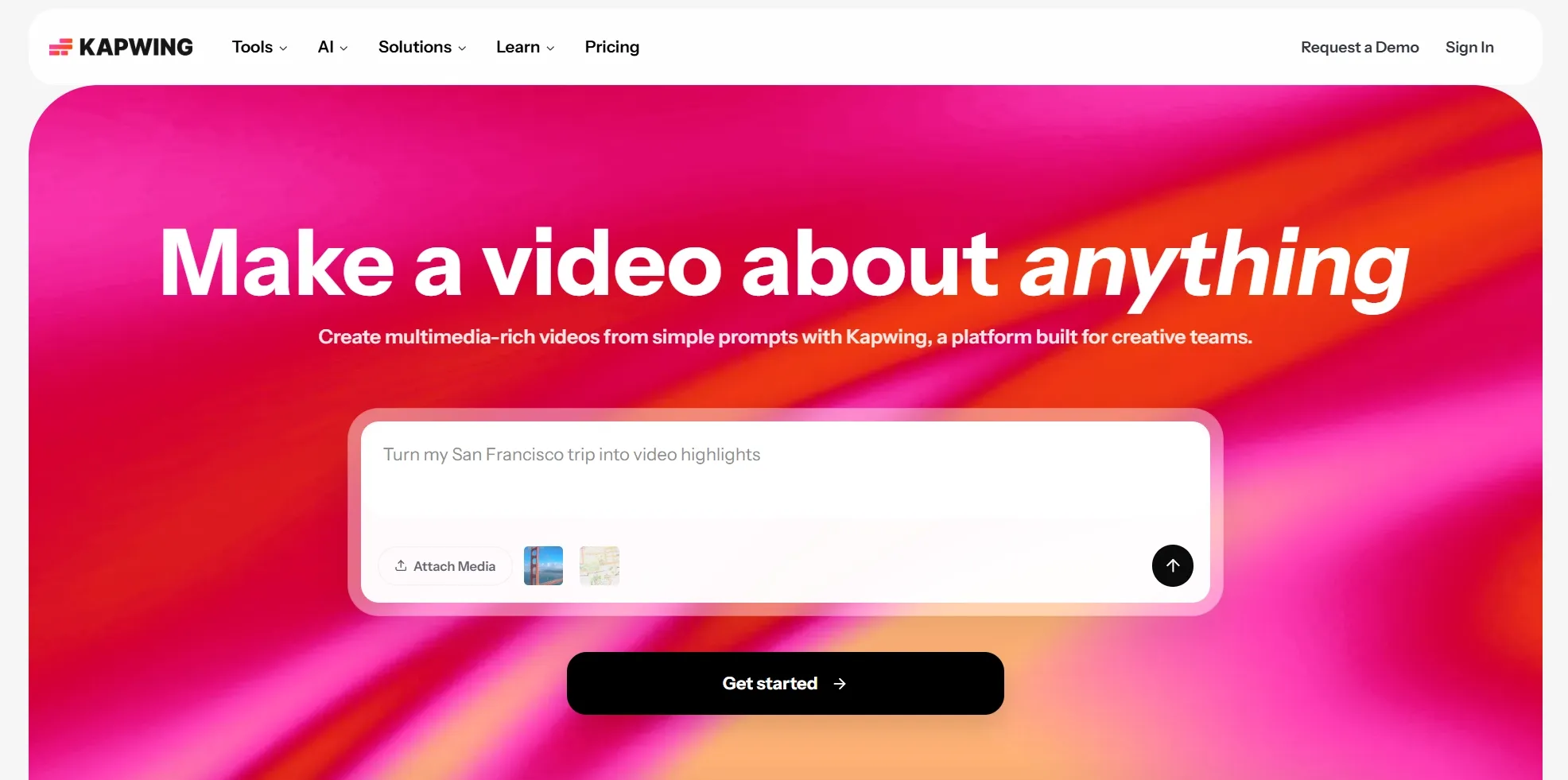
Kapwing made me think about the messy reality of social publishing. One approved campaign clip often becomes a Reel, a square post, and several caption variations. The translation itself is only one part of the job.
The online studio combines dubbing, editable translated subtitles, voice cloning, and lip sync with creative editing. I appreciate the ability to return to a transcript or layout after localization. A short German caption, for instance, may need a different line break from the English original.
Collaboration is where Kapwing earns extra points from me. A regional teammate might request a different call to action, while the brand team needs the typography to stay consistent. Keeping those revisions within one workspace is useful for frequent social updates.
The credit math gave me pause. AI features draw on allowances, and lip sync follows dubbing as a separate step. Free exports also carry a watermark.
Key Features
- Video translation: Translate captions and spoken dialogue.
- Voice cloning: Preserve or replace the original speaker's voice.
- Lip-sync option: Match dubbed speech to visible speakers.
- Collaborative editing: Revise transcripts, layouts, and final exports.
Best For
- Social media managers: Adapt Reels, Shorts, and campaign clips.
- Small marketing teams: Review regional captions and calls to action.
- Agencies: Produce multiple formats from one source video.
Pros:
- Localization and creative editing work together.
- Easy to revise text after translation.
- Helpful for collaborative social production.
Cons:
- Credits require careful planning.
- Free exports include a watermark.
AKOOL: Best AI Video Translator for Businesses Translating Customer Support Videos
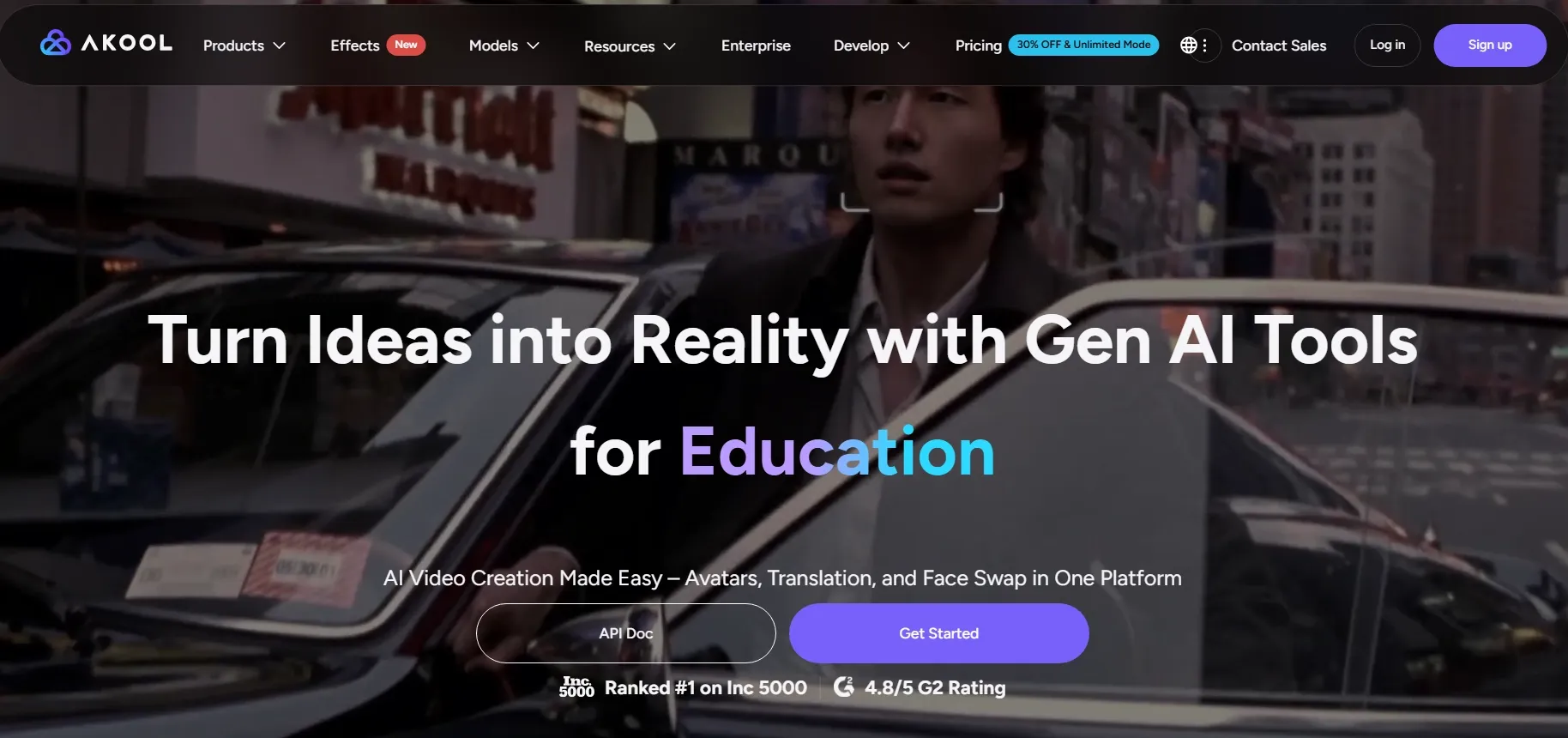
I examined AKOOL through the eyes of a support manager. A mistranslated button name in a SaaS demo video can send a customer to the wrong screen and create another ticket. For this type of video, precise instructions outrank flashy effects.
AKOOL covers 155+ languages and offers voice cloning, lip sync, and subtitles. The part I focused on was its proofreading and timing controls. When a presenter says “select Settings,” the translated voiceover should still coincide with the menu appearing on-screen.
Speaker selection and background-music adjustments add useful control for mixed footage. That matters in instructional videos that move between an on-camera guide and a software demonstration.
My reservation is the plan structure. Advanced proofreading requires an eligible higher tier, and repeat translations draw on credits. For a help center with frequent software updates, I'd check how much a corrected and re-exported tutorial costs, not just the first output.
See our AKOOL review to learn more about its strengths and limits.
Key Features
- 155+ languages: Adapt support footage for international customers.
- Voice cloning and lip sync: Localize presenter speech and mouth movements.
- Proofreading editor: Correct translation wording before output.
- Subtitle timing controls: Match instructions to actions on screen.
Best For
- SaaS companies: Translate product setup and troubleshooting guidance.
- Customer success teams: Reuse FAQ and onboarding videos.
- Service providers: Explain common processes to multilingual clients.
Pros:
- Broad language selection.
- Detailed subtitle and timing controls.
- Well suited to instructional content.
Cons:
- Proofreading depends on plan eligibility.
- Large libraries can use credits quickly.
Vozo AI: Best AI Video Translator for Businesses Handling On-Screen Text
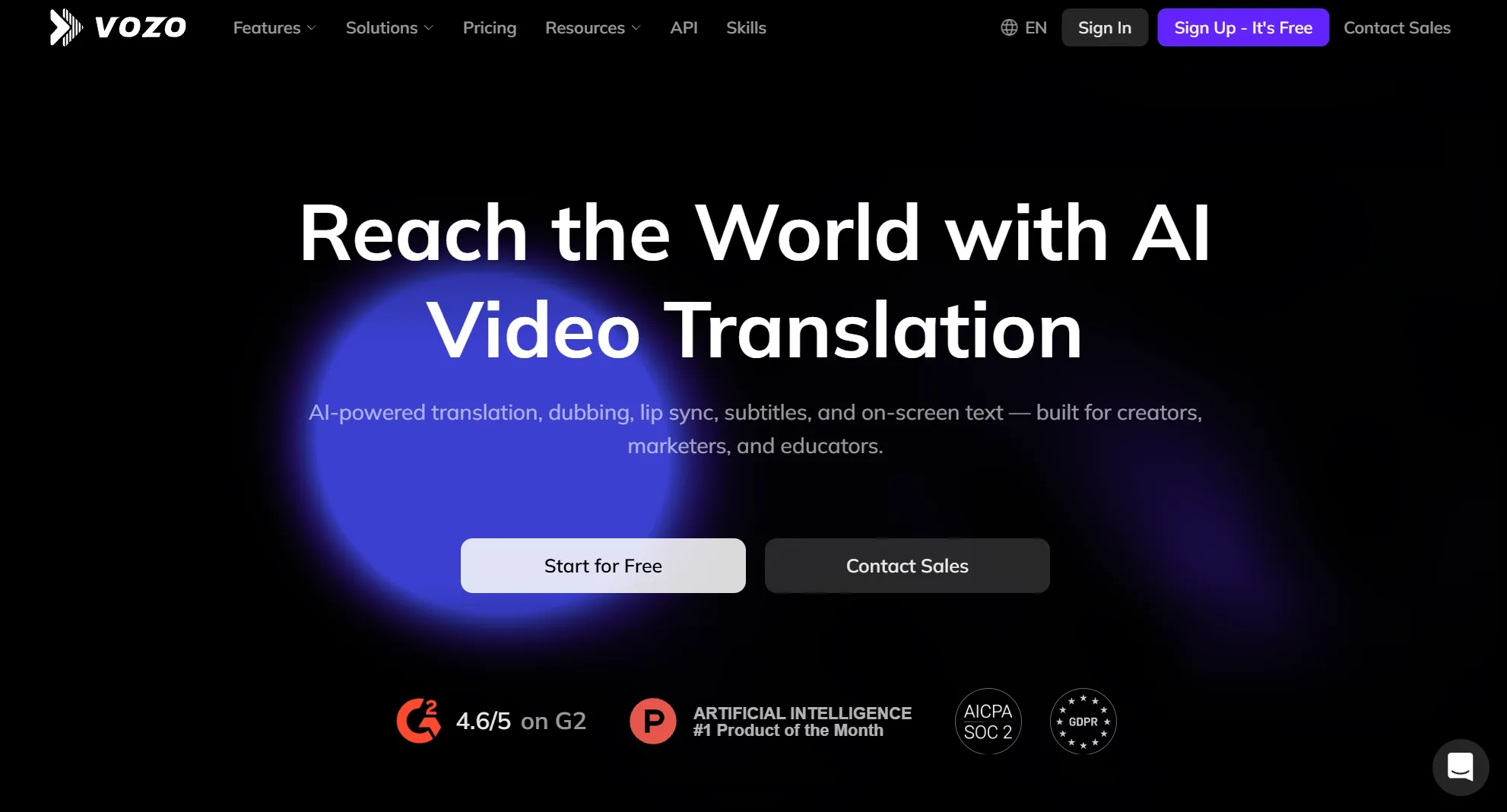
Vozo AI stood out when I shifted my attention from dialogue to the video frame itself. Imagine hearing a Spanish explanation in an explainer video while every chart title is still in English. That disconnect can make even good dubbing feel unfinished.
Its Visual Translate capability targets words embedded in the footage, aiming to replace them while retaining the surrounding design. Alongside that, Vozo provides dubbing, voice cloning, translated subtitles, and optional lip sync. It's a more rounded set of controls for educational videos than an audio-only tool.
For me, the strongest scenario is a presenter pointing to a labeled diagram or an infographic video built around charts and callouts. The translated spoken explanation and the words the viewer sees need to agree. I'd still inspect small type, overlapping objects, and complex layouts carefully after replacement.
Cost is the other consideration. Vozo uses separate points for dubbing, mouth synchronization, and visual translation. A tutorial packed with labels can therefore require a different budget from a talking-head lesson of the same length.
Key Features
- Visual Translate: Replace text appearing inside video frames.
- AI dubbing: Translate speech while retaining voice characteristics.
- Bilingual subtitles: Provide readable language versions.
- Optional lip sync: Align the speaker's mouth with new audio.
Best For
- Software brands: Translate walkthroughs containing interface labels.
- Course creators: Localize slides and narrated tutorials.
- Product educators: Adapt demonstrations with text overlays.
Pros:
- Addresses more than the audio track.
- Helpful for text-heavy tutorials.
- Multiple localization controls.
Cons:
- Different actions consume separate points.
- Visual text replacement needs close review.
CapCut: Best AI Video Translator for Businesses Creating Localized Social Ads and Reels
With CapCut, I kept the brief deliberately small: a short ad needs a hook people can understand even while scrolling on mute. A complex localization system can be unnecessary when the real task is fitting one message into a vertical clip.
CapCut brings bilingual captions, AI dubbing, and text to speech close to familiar short-form editing controls. That combination lets you move from translation to caption styling, cuts, and export preparation without treating each as a separate production stage.
My practical check here is how much screen space the translation occupies. A punchy English hook can turn into two dense lines elsewhere. For product promotions or creator collaborations, shortening that line often matters as much as choosing the language.
CapCut's limitation becomes clearer when the job grows. AI feature availability varies by device, version, and region, while company-wide terminology and approval controls are less central to the experience. I'd choose it for quick social iterations rather than coordinating a large corporate video archive.
Read our CapCut review to see how its editing tools perform.
Key Features
- Bilingual captions: Translate on-screen subtitles for social media videos.
- AI dubbing: Produce spoken versions in supported languages.
- Text-to-speech: Build translated narration from edited text.
- Short-form editor: Resize, trim, and style localized clips.
Best For
- Social advertisers: Adapt fast-moving promotions and Reels.
- Small businesses: Add translated captions to product clips.
- Creator teams: Localize short-form collaborations for new audiences.
Pros:
- Familiar workflow for vertical video.
- Fast caption styling and social exports.
- Useful spoken and subtitle options.
Cons:
- AI availability varies across regions.
- Limited enterprise translation governance.
Vidnoz AI: Best AI Video Translator for Businesses Translating Explainer Videos
I approached Vidnoz AI as a first step for a smaller team. If your company has one successful explainer and wants to reach another market, a straightforward translation process can be more valuable than advanced collaboration controls.
The translator supports 140+ languages, automatic captions, voice-preserving dubbing, and lip-sync translation. I paid attention to the speaker and length allowances: those limits can feel unimportant for a solo product introduction but become relevant when the next video includes an interview.
I also noticed the wider selection of AI video avatars and video templates. That's a useful option if a company later needs to create a spokesperson video, although video generation and translation should be evaluated as separate jobs.
Pricing is where I paused. The general Vidnoz AI subscription and its dedicated translator aren't necessarily billed identically, so the entry price in the table shouldn't be treated as a confirmed translation allowance. Before starting a recurring schedule, I'd verify the translator's actual minutes and checkout total.
Learn more about Vidnoz AI in our Vidnoz AI review.
Key Features
- 140+ translation languages: Reach multiple international audiences.
- Voice-preserving dubbing: Generate another-language speech.
- Lip-sync translation: Adjust visible speakers to match the dubbed voice.
- Automatic subtitles: Add translated text to supported videos.
Best For
- Local service businesses: Translate short introductory explainers.
- Small sales teams: Adapt simple product presentations.
- First-time localizers: Evaluate language support before scaling.
Pros:
- Large language selection.
- Accessible workflow for occasional projects.
- Additional avatar creation tools.
Cons:
- Short trial limits.
- Translator-specific pricing needs verification.
How I Evaluated These AI Video Translators for Businesses
I compared these 10 AI video translators based on real business needs, focusing on dubbing, subtitle editing, timing, and pricing. I prioritized practical workflows over numerical quality scores.
My guiding question was simple: Could a business confidently publish the translated video, or would it still need more production work?
These were the deciding factors:
- Voice and language coverage: Could a video retain a recognizable speaker, and which target languages were available?
- On-camera accuracy: Was lip synchronization an option when the presenter faced the camera?
- Caption control: Could a team revise translated wording, brand terms, and subtitle timing?
- Edit continuity: What would happen to scene pacing, graphics, and existing calls to action?
- Business fit: Did the workflow make sense for training, sales, social campaigns, or customer education?
- Realistic cost: How did the starting subscription compare with minute limits, credits, and additional languages?
My Final Verdict
After comparing these 10 AI video translators, I found that the right choice depends on what matters most to your content, whether that's natural dubbing, accurate subtitles, realistic lip sync, or on-screen text translation.
Pollo AI is my overall recommendation because it brings the essential translation features together while offering additional creative tools to support broader business campaigns.
If you're ready to reach new markets with your existing footage, start with Pollo AI's video translator and make your message accessible to more audiences.