



7 Best Free AI Video Upscalers in 2026: My Picks for Sharper Videos
A higher resolution doesn't always mean a clearer video. I compared seven free AI video upscalers to see what each offers, where it falls short, and who it suits.
Quick Answer: What Is the Best Free AI Video Upscaler?
Pollo AI is my pick for the best free AI video upscaler overall. Its resolution options and blur and noise enhancement suit a wide range of footage, while its editing and creation tools give me more flexibility after upscaling.
Still, I'd consider CapCut for social edits, Krea for AI-generated scenes, and TensorPix for older recordings. The best fit depends on what your footage needs.
7 Best Free AI Video Upscalers at a Glance
| Tool | Best for | Free access |
|---|---|---|
| Pollo AI | Everyday footage that needs flexible enhancement and further editing | Free to try; usage varies by plan |
| CapCut | Vertical clips that still need captions, cuts, and music | Free editor; some AI features and 4K exports require Pro |
| Krea AI | Experimental shots needing detail without distracting motion changes | Four free video upscales every 24 hours in its signed-in miniapp |
| TensorPix | Digitized recordings with several quality issues to address | Free credits; 720p input cap on the free plan |
| Media.io | Compressed clips from phones, cameras, and older uploads | Free tools or previews; allowances differ across workflows |
| GoEnhance AI | Illustrated scenes where clean linework matters | Sign-up credits; processing costs tokens |
| insMind | Existing commercial footage prepared for listings and campaigns | Free trial with account-dependent limits |
Pollo AI: Best Free AI Video Upscaler Overall
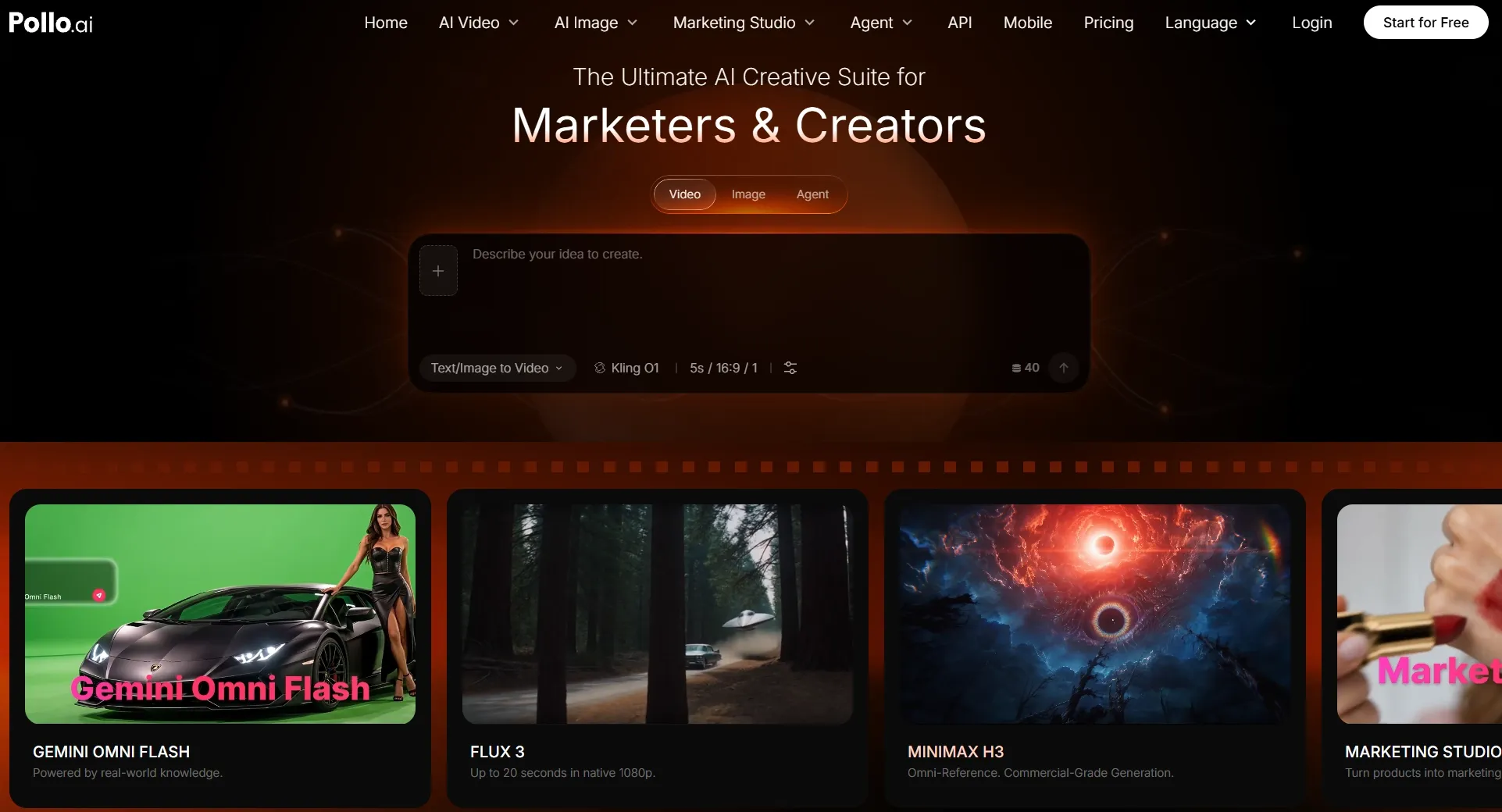
What makes Pollo AI video upscaler my overall pick is its versatility across different types of footage. Whether I'm improving live-action recordings, gameplay clips, or animation, I can enhance visual details while keeping the original subjects and artistic style recognizable.
What matters to me is the quality of those details, not just the final resolution. Pollo AI combines blur and noise reduction with sharper textures, clearer edges, and more readable text. This helps me turn older or lower-quality clips into footage worth publishing, repurposing, or incorporating into new projects.
Take a close-up of a watch, for example. I'd want the dial and metal finish to be easier to distinguish while keeping the product recognizable. With a tutorial recording, I'd pay closer attention to tiny interface labels. The goal changes with the material, even if the upscaling process stays simple.
Once the upscale is done, I can keep refining the clip with Pollo AI's video editing tools. For instance, its AI video translator adapts dialogue into other languages, while AI video editor allows me to change backgrounds or remove objects with natural language.
I can also turn to its video apps for ready-made video generation workflows. For a larger project, Pollo Agent turns a script or brief into a multi-scene ad or narrative, with revisions guided by feedback.
When I need original footage, the AI video generator lets me create from text or images using top models like Kling 3.0 and Veo 3.1. That's what makes the platform more useful to me beyond a single upscale.
Key Features
- Flexible upscaling controls: Choose an available scale, resolution, and processing mode to suit the original clip.
- 1080p and 4K targets: Prepare sharper versions for different screens and publishing needs.
- Blur and noise reduction: Improve apparent detail rather than simply increasing pixel dimensions.
- Style-conscious enhancement: Keep the original subject and overall visual character recognizable.
- Connected creative tools: Continue into video editing, effects, and new AI video creation on the same platform.
Best For
- Content creators who want clearer vlogs, travel clips, gameplay, and social videos.
- E-commerce sellers improving existing footage for product showcases.
- Educators making screen recordings and tutorials easier to follow.
- Marketers who need to reuse workable footage without arranging another shoot.
Pros:
- Clear upload-and-enhance process with flexible output options.
- Suitable for live footage, animation, and promotional clips.
- Connected editing and generation tools support further creative work.
Cons:
- Free usage and export options vary by plan.
- Severe blur or compression may remain difficult to fix.
Give Your Existing Footage a Clearer Finish
Improve resolution, bring back visible detail, and keep creating without switching platforms.
Try Pollo AI Video Upscaler Free
CapCut: Best Free AI Video Upscaler for TikTok Videos and Instagram Reels
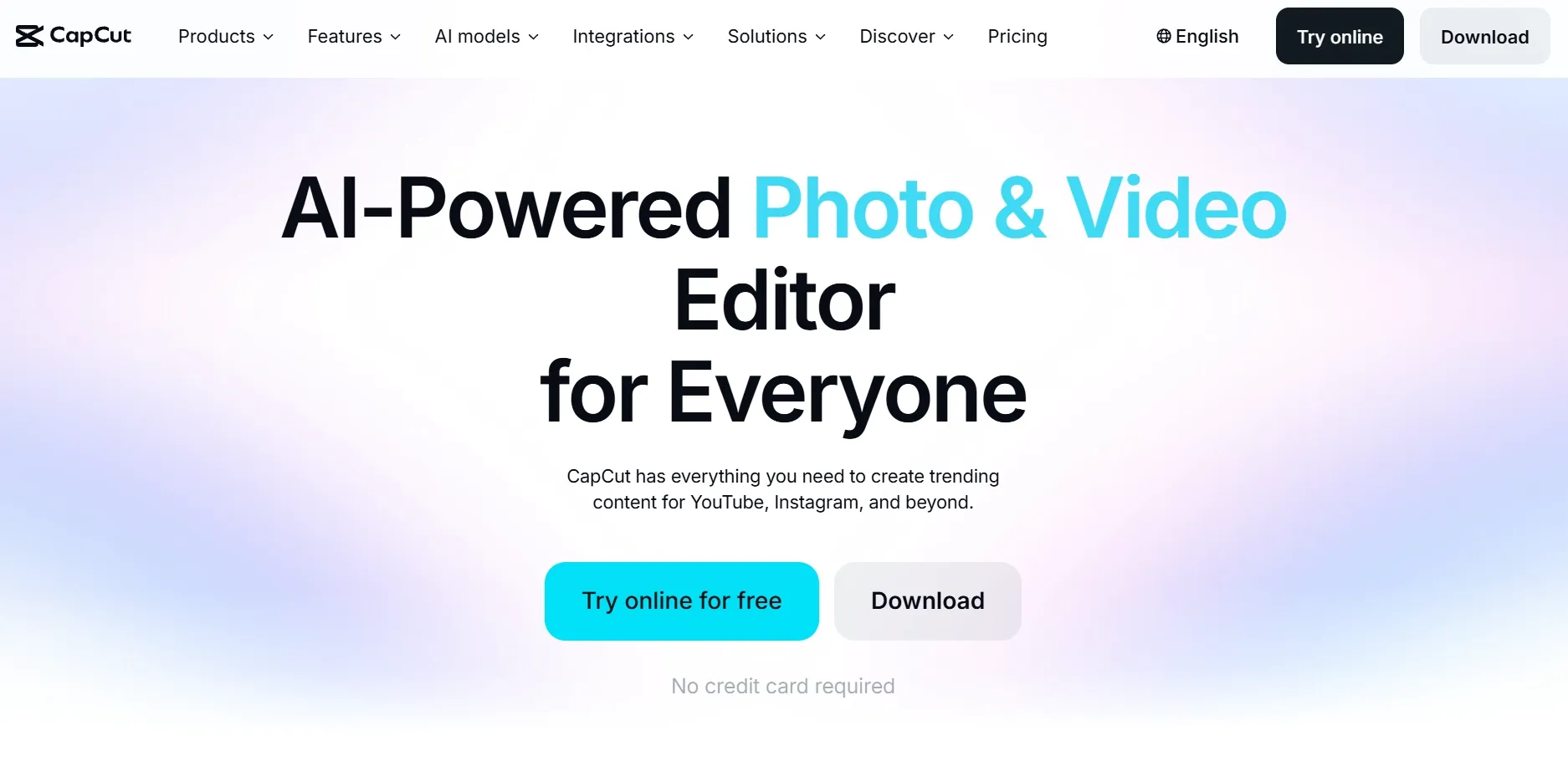
When I'm thinking about a Reel or TikTok video, resolution is only one part of the job. I still need captions, quick cuts, a soundtrack, and sometimes a different crop. That's where CapCut makes sense to me: enhancement sits inside an editor built for finishing the whole post.
The desktop workflow is specific. After importing a clip, the enhancement controls sit under Video > Basic > Enhance quality, with HD, UHD, and 4K options. I find that placement practical: the same workspace lets me judge whether a sharper shot actually fits the rhythm of the edit, rather than treating it as a separate file-processing task.
The drawback is that an easy editing experience doesn't guarantee a free high-resolution export. Some advanced AI features and 4K settings require Pro, depending on the account or version. I'd inspect the export options early, especially if the final video needs to be delivered without an upgrade.
For more on its features and tools, see our CapCut AI review.
Key Features
- AI quality enhancement: Select HD, UHD, or 4K enhancement in CapCut Desktop.
- Built-in editing: Trim clips, add subtitles and music, and arrange a finished social video.
- Platform-friendly output: Prepare footage for short-form formats without changing editing apps.
Best For
- TikTok creators combining several clips into one vertical video.
- Instagram creators polishing Reels, behind-the-scenes footage, and lifestyle posts.
- Social teams adding text, captions, and music after enhancing a clip.
Pros:
- Enhancement integrates with editing, captions, and sound.
- Convenient for finishing vertical social posts.
- Desktop editor offers several resolution targets.
Cons:
- Some AI tools and 4K exports require Pro.
- Full editor feels excessive for a quick upscale.
Krea AI: Best Free AI Video Upscaler for Cinematic AI-Generated Videos
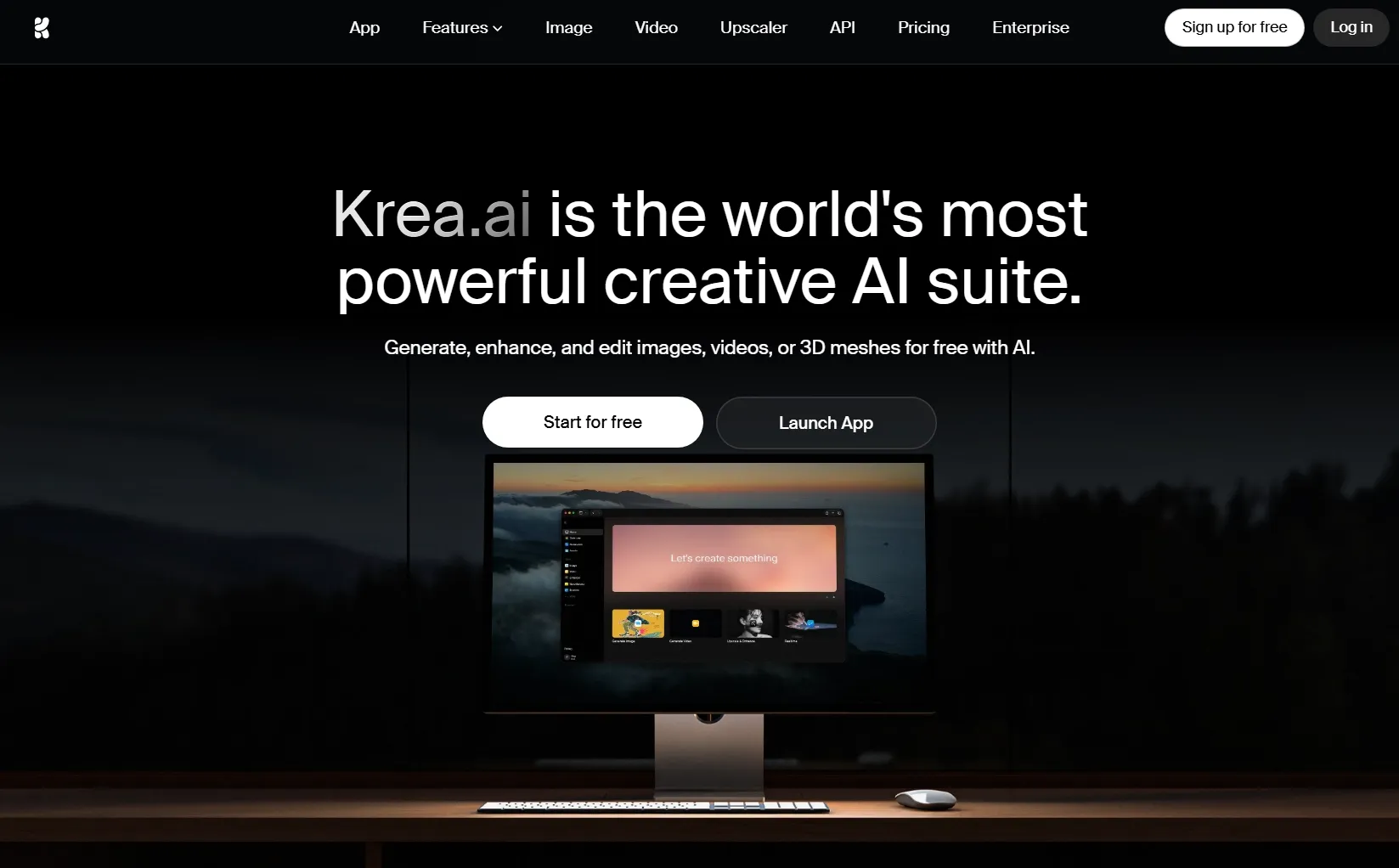
I tend to judge an AI-generated shot differently from ordinary camera footage. With a fantasy landscape or a synthetic character, I watch for tiny movements that feel unstable, not just soft edges. Krea AI catches my attention because its enhancement tools belong to a broader AI-visual creation environment.
Its video upscaler accepts MP4 and offers scaling from 1× to as much as 8×, depending on the input and plan. The emphasis on retaining coherent motion is relevant here. A gorgeous still frame doesn't impress me if the fabric, hair, or background starts shifting unnaturally once the sequence plays.
For smaller creative experiments, the allowance is easy to understand: four free miniapp upscales within 24 hours for signed-in accounts. That's enough to compare a few ideas, although I'd keep the MP4 restriction in mind if my source came from another format.
Read our Krea AI review to take a closer look at its creative and upscaling features.
Key Features
- Up to 8× scaling: Choose from different enlargement factors where supported.
- Motion-conscious enhancement: Improve detail while aiming to keep movement consistent.
- Creative video ecosystem: Enhance videos alongside Krea's AI generation tools.
Best For
- AI filmmakers refining cinematic concept clips.
- Visual artists preparing fantasy scenes and atmospheric video loops.
- Creators sharpening short AI-generated shots before including them in a larger edit.
Pros:
- Four free miniapp upscales per day.
- Wide scaling range for eligible clips.
- Natural fit for AI-generated visual projects.
Cons:
- Video miniapp accepts MP4 only.
- Maximum scale varies by source and plan.
TensorPix: Best Free AI Video Upscaler for Vintage and Family Videos
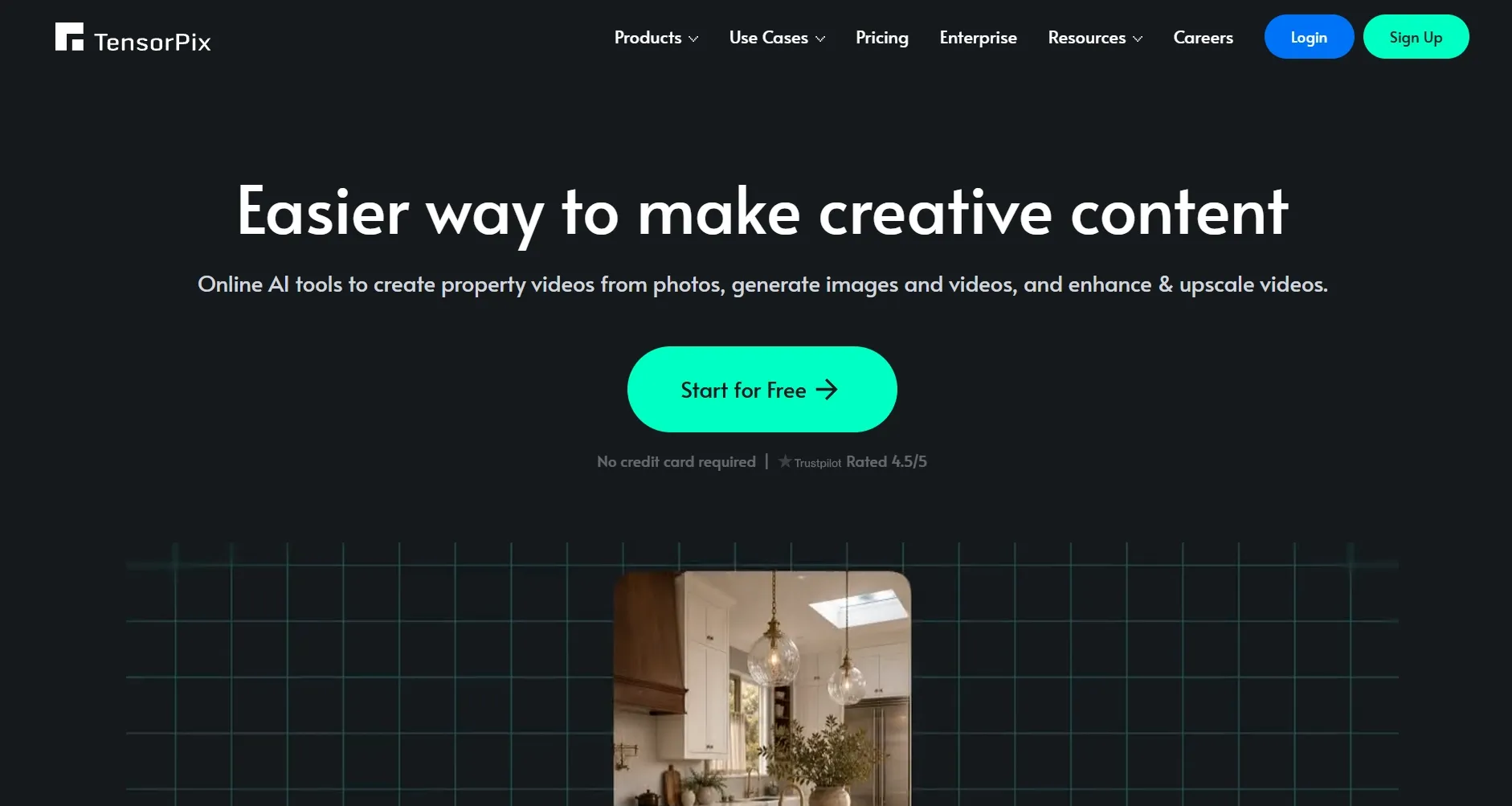
Old family clips make me much more cautious about enhancement. I want to see expressions and familiar faces, not an artificially sharpened version that loses the original atmosphere. That restoration-first mindset is why TensorPix belongs here.
The tool centers on cloud processing and AI video filters rather than a social editing timeline. I can see the appeal of combining several treatments when a digitized recording is both noisy and blurry. On the free plan, you can apply up to four filters to a video, making it possible to explore more than one type of cleanup.
One restriction matters before I even think about the finished result: free accounts accept source video only up to 720p. The short, watermarked preview is useful for deciding whether to spend credits, but it isn't the same as getting a complete restored video. For a long family archive, those limits could add up quickly.
Key Features
- Dedicated video enhancement: Focus on clarity and restoration rather than templates or social editing.
- AI filter combinations: Address multiple quality problems in one processing workflow.
- Cloud-based processing: Work without installing a heavyweight desktop enhancer.
Best For
- Families improving digitized home videos.
- Hobby archivists preparing old recordings for modern displays.
- Creators rescuing soft or noisy footage for documentary-style projects.
Pros:
- Restoration tools address more than simple enlargement.
- Preview clips help assess potential improvements.
- Cloud processing avoids demanding local hardware.
Cons:
- Free source video input stops at 720p.
- Extended restorations can use credits quickly.
Media.io: Best Free AI Video Upscaler for YouTube Videos and Vlogs
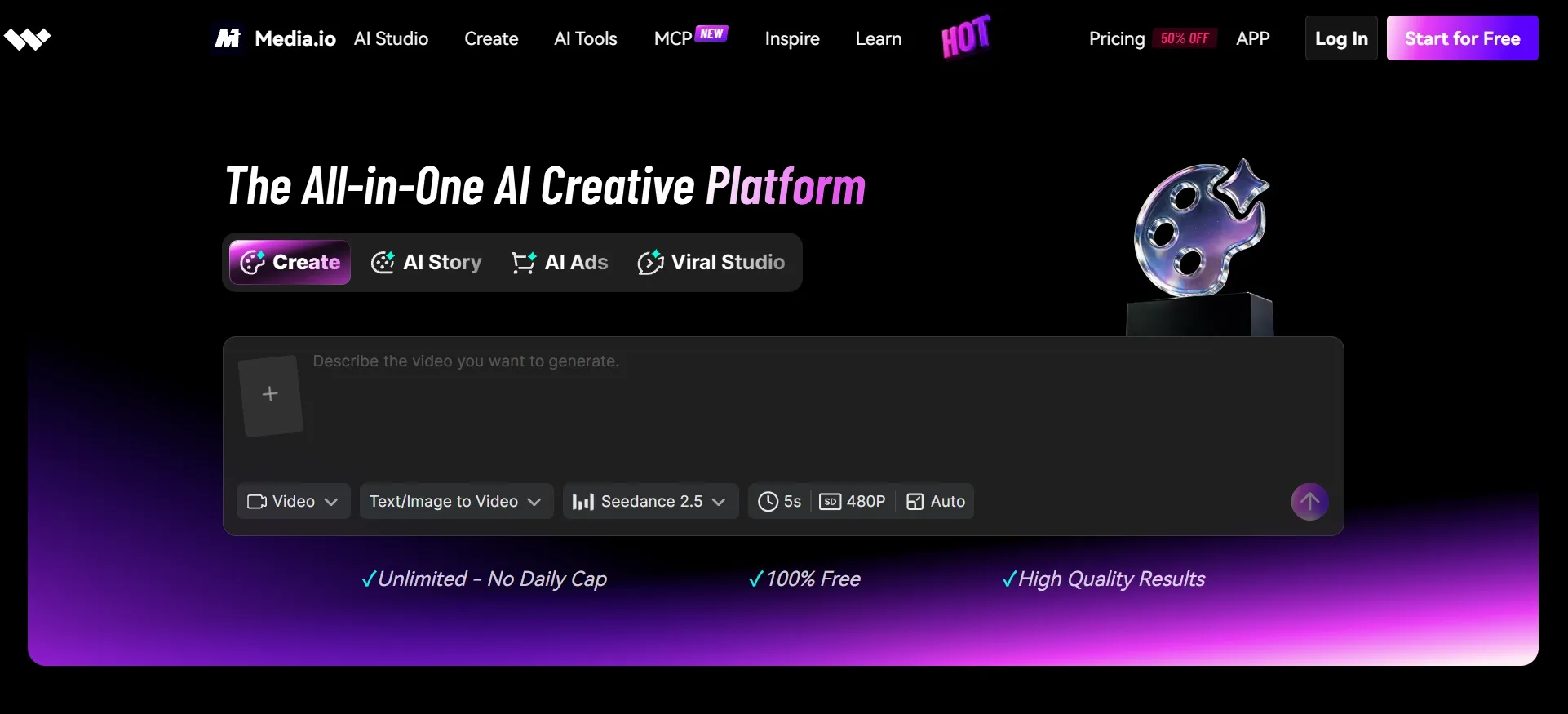
My first concern with an older vlog is often compression rather than resolution. Dark backgrounds get blocky, textures turn muddy, and camera movement exposes artifacts that were easy to miss. Media.io targets those everyday problems through a browser-based enhancement workflow.
The tool provides 1× cleanup as well as 2× and 4× enlargement, with up to 4K output. I appreciate having a no-enlargement option; not every clip needs more pixels. Sometimes I'd rather reduce visible noise before bringing older footage into a new YouTube edit.
Free access is the part I'd approach carefully. Different Media.io enhancement routes have different allowances, and one video enhancer trial is limited to a preview of the first 45 frames at 2×. That could tell me whether a short sample looks promising, but I'd confirm the full-export conditions before uploading an entire vlog.
You'll find more on its enhancement options and other features in our Media.io review.
Key Features
- 1×, 2×, and 4× options: Enhance at the original size or increase output resolution.
- Compression cleanup: Aim to reduce the noise and artifacts common in online video.
- Browser-based workflow: Upload and enhance without installing editing software.
Best For
- YouTubers refreshing older uploads or supporting footage.
- Vloggers mixing clips from different phones and cameras.
- Gaming creators preparing clearer highlight reels and screen recordings.
Pros:
- Browser workflow requires no desktop installation.
- Includes cleanup without increasing resolution.
- Scaling options suit varied source footage.
Cons:
- Trial limits differ between enhancement workflows.
- Long videos may be less convenient online.
GoEnhance AI: Best Free AI Video Upscaler for Anime and Animated Videos
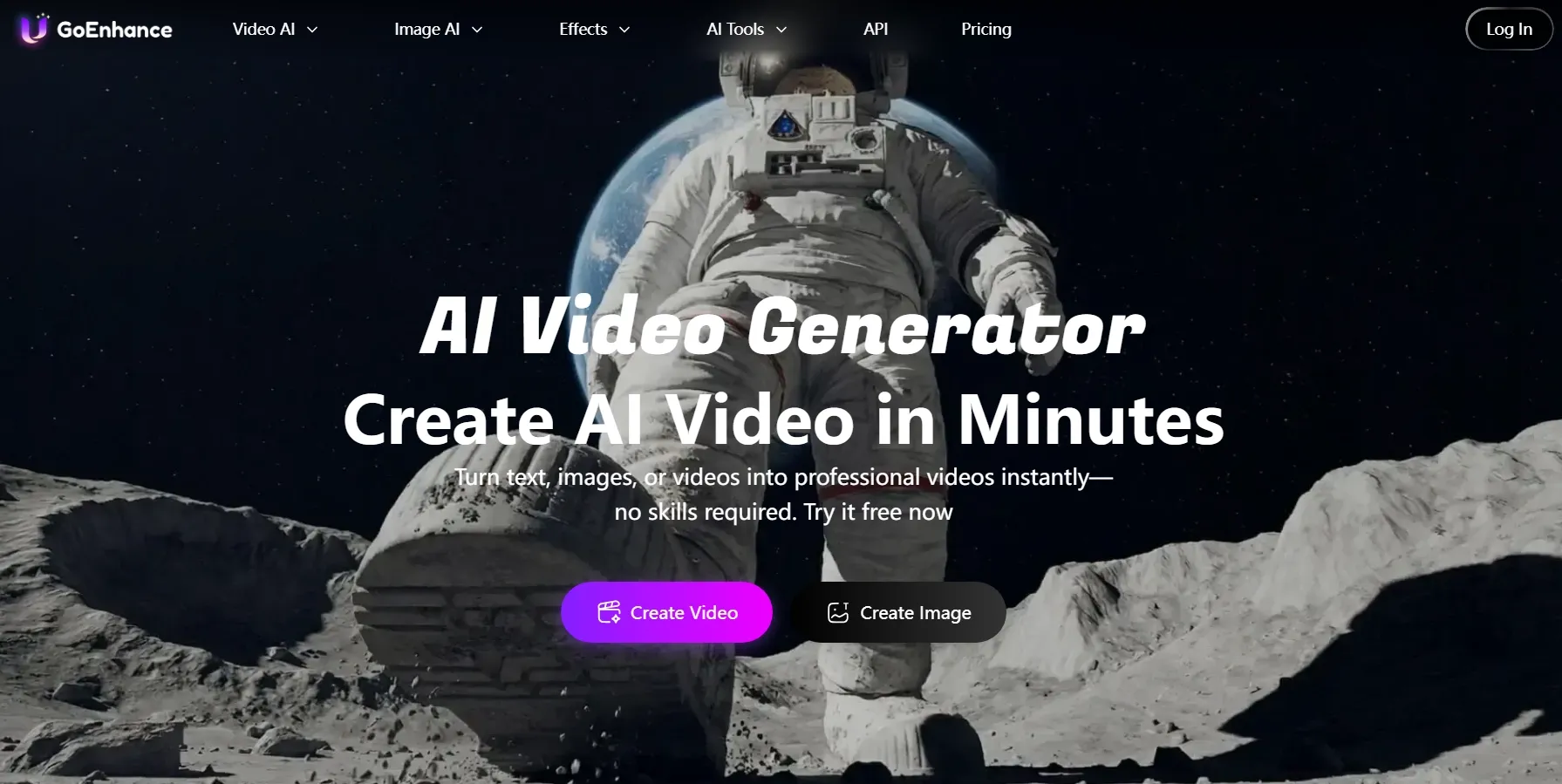
Anime videos make me pay attention to details I might overlook in a live-action clip. Thin outlines, flat color areas, and intentional frame timing are part of the style. Too much sharpening can make the whole thing look harsh. That's the appeal of GoEnhance AI: it offers a dedicated route for illustrated footage.
Its anime enhancer focuses on cleaning linework and colors while preserving the underlying look, with 1080p, 2K, and 4K targets. I'd find that especially relevant for a character montage or an older animated sequence where the drawing style should remain the star.
There are also general denoising and optional frame-rate tools. I wouldn't turn those on automatically, though. If a scene uses deliberately limited movement, making every transition smoother could change its character. For animation, restraint can matter as much as sharpness.
Dive into our GoEnhance AI review for more on its anime upscaling features.
Key Features
- Anime-specific enhancement: Refine outlines, colors, and illustrated textures.
- 1080p to 4K options: Choose a target suited to modern screens.
- Noise and motion tools: Clean the image and optionally enhance frame rate.
Best For
- Anime creators preparing high-resolution scene edits.
- Animators refreshing older cartoon clips.
- Fan editors enhancing stylized short videos and character montages.
Pros:
- Dedicated treatment for illustrated footage.
- Focus on outlines and original visual style.
- Additional denoising and motion options available.
Cons:
- Less relevant for everyday live-action portraits.
- Advanced processing can consume more tokens.
insMind: Best Free AI Video Upscaler for Product Demos and Marketing Videos
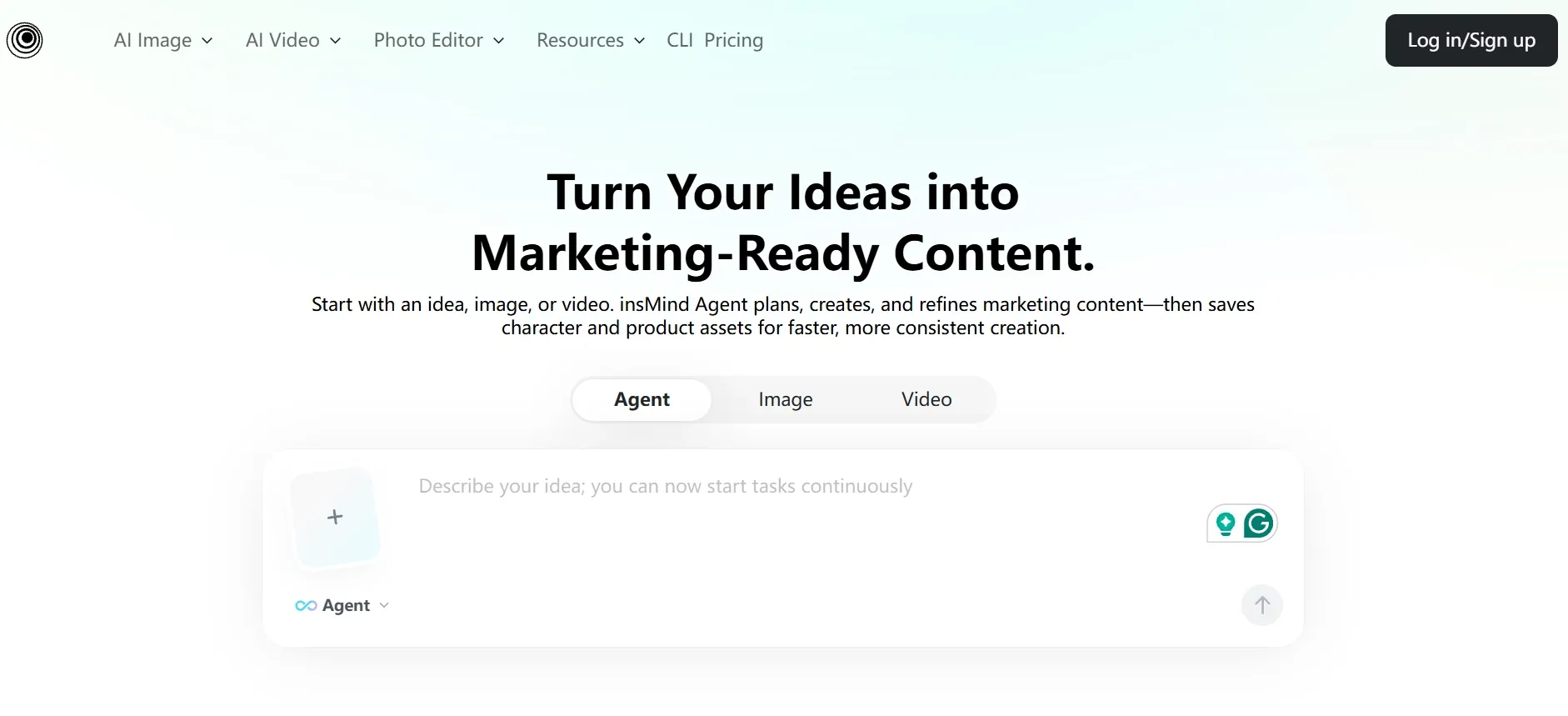
When I'm evaluating a product video, my priorities are different again. I care about readable packaging, accurate edges, and whether the material still resembles the real item. insMind offers a straightforward way to improve an existing clip before it goes into a listing or campaign.
The steps are uncomplicated: upload the source, choose 1080p or 4K, and run the enhancement. I can picture using that sequence for a cosmetics close-up or a gadget demonstration. The main thing I'd inspect afterward is fidelity: a more detailed frame isn't helpful if it changes the appearance of a logo or surface.
That focused workflow has a trade-off. It's convenient for improving a clip that's already well composed, but a multi-scene commercial may still need a separate editor. I'd also establish the available trial and export limits before preparing a whole product catalog.
Get a fuller picture of its product-video features in our insMind review.
Key Features
- 1080p and 4K enhancement: Increase output resolution for marketing footage.
- Automated frame processing: Improve apparent detail with minimal setup.
- Online access: Work on a clip without learning a complex video timeline.
Best For
- Online sellers upgrading product demonstrations.
- Small brands preparing short social promotions.
- Marketing teams improving existing product footage for reuse.
Pros:
- Short upload-to-enhance process.
- 1080p and 4K targets suit commercial content.
- Practical for already-composed product footage.
Cons:
- Free export allowance can be unclear.
- Multi-scene campaigns require additional editing.
How Did I Rank These Free AI Video Upscalers?
My starting point is simple: a higher-resolution file isn't necessarily a better-looking video. I care about detail, consistency across moving frames, and whether I can complete the enhancement without fighting the workflow.
I approached each platform with practical video projects in mind, examining its enhancement controls, supported formats, resolution choices, free allowances, and likely fit for different material. My rankings are editorial judgments informed by those capabilities, not claims from a controlled seven-tool output benchmark.
The factors that shaped my choices were:
- Visible clarity: Is the tool designed to recover useful detail instead of merely enlarging a file?
- Motion consistency: Can the approach maintain coherent movement and avoid distracting artifacts?
- Targeted cleanup: Does it address noise, blur, compression, or illustrated textures?
- Resolution control: Can I choose a suitable output without automatically defaulting to 4K?
- Free-plan value: What can I preview, process, and export before paying?
- Ease of use: How much work stands between upload and finished video?
- Workflow fit: Can I keep editing if the clip needs further changes?
- Brand recognition: Is the platform established, or does it offer a compelling specialty?
If you're deciding between two tools, I'd start with the same short sequence in both. Look at moving faces, thin text, hair, and dark areas at normal playback speed. A sharp-looking paused frame can hide a distracting result in motion.
My Final Verdict
For social edits, I'd keep CapCut in mind; for experimental AI footage, Krea has a stronger creative fit. TensorPix is more restoration-minded, while GoEnhance caters to illustrated videos. Media.io and insMind offer simpler routes for creator footage and commercial clips.
But Pollo AI is my overall choice because its enhancement options cover a wider mix of projects, and I can keep creating after the upscale is done. That combination matters more to me than chasing the largest resolution number alone.
Have a clip that needs a clearer finish? Start with Pollo AI video upscaler, review the result in motion, and see whether it's ready for your next project.