



The Best Picsart AI Alternatives I’ve Tested—My Top 10 Picks
Picsart AI is a handy creative platform for fast photo edits, AI images, templates, stickers, and social-ready designs. I can see why many creators use it for quick visual work.
However, it can feel less flexible when I need cleaner AI outputs, more control over the final image, and a workflow that goes beyond casual editing.
So I tested 10 Picsart AI alternatives to find which tools can handle more serious AI image creation. I focused on whether each platform could help me move from a rough idea to a more usable visual without adding too much extra work.
TL;DR
Pollo AI is the best Picsart AI alternative overall for image generation, editing, and real project visuals. I would choose it first when I want stronger model flexibility, better image control, and more polished outputs after generation.
Among the other tools, Canva, Bing, and Meta AI are better for everyday visual creation. Getimg, PromeAI, and ImagineArt give you more room for advanced or design-led image work. Gencraft, Hotpot, and Craiyon are better for quick ideas and lightweight creative drafts.
Why Do I Need to Find Picsart AI Alternatives?
Picsart AI is useful when I want to edit a photo quickly, build a social post, or create a simple AI image without opening a heavier design tool. It is especially convenient when speed matters more than precision. For a closer look at its features, you can read our Picsart review.
But once I tried to use Picsart AI for more polished image work, its limits became clearer. I had less control over how consistent the style looked and how much I could refine the image.
I also noticed that image enhancement was not always reliable. Instead of making a photo look cleaner or sharper, some results could lose detail or feel softer than expected. The same issue has also been reported by other users on Trustpilot.
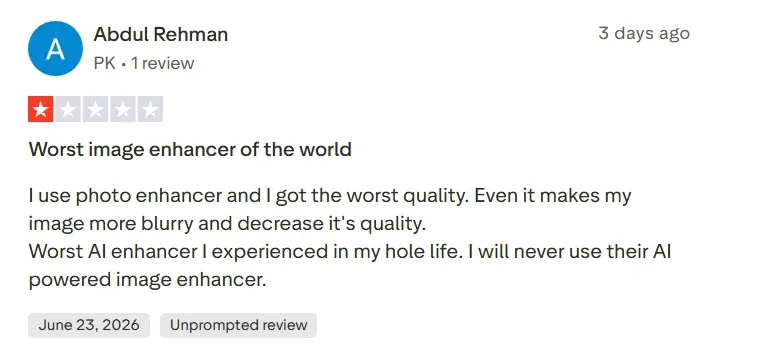
That matters because a near-good AI image is not always enough. If the subject looks slightly off, the lighting feels inconsistent, or the background does not match the idea, I still need a workflow that helps me adjust the image without starting over.
I also wanted a more creative range. When every image follows the same visual logic, the work starts to feel repetitive. A stronger Picsart AI alternative should let me test different image models, explore more styles, and edit the result without rebuilding the whole idea from scratch.
Quick Comparison of the Best Picsart AI Alternatives
| Rank | Tool | Best For | Starting Price |
| 1 | Pollo AI | Creators, marketers, and sellers who need polished AI images with flexible generation, editing, and commercial visual workflows | Pricing starts at $10/month |
| 2 | Canva | Social creators and small teams who need AI images inside a ready-made design workflow | Pricing starts at $18/month |
| 3 | Bing AI | Beginners and casual creators who need quick image ideas from simple prompts | Free creation |
| 4 | Meta AI | Social media users who want casual AI images inside a familiar Meta ecosystem | Free creation |
| 5 | Getimg AI | AI creators who want advanced model access, image editing, and stronger generation control | Pricing starts at $15/month |
| 6 | Gencraft | Creators who want fast variations for portraits, avatars, and stylized visual ideas | Pricing starts at $19.99/month |
| 7 | PromeAI | Designers who need concept visuals, render-style images, and design-forward image exploration | Pricing starts at $19/month |
| 8 | ImagineArt | Creators who want flexible idea generation for characters, logos, posters, and stylized artwork | Pricing starts at $13/month |
| 9 | Hotpot AI | Marketers and small teams who need quick graphics, templates, and lightweight AI image tools | Pricing starts at $10/month for 1,000 credits |
| 10 | Craiyon AI | Casual users who want playful image experiments and quick creative drafts | Pricing starts at $12/month |
Pollo AI: Best Picsart AI Alternative Overall
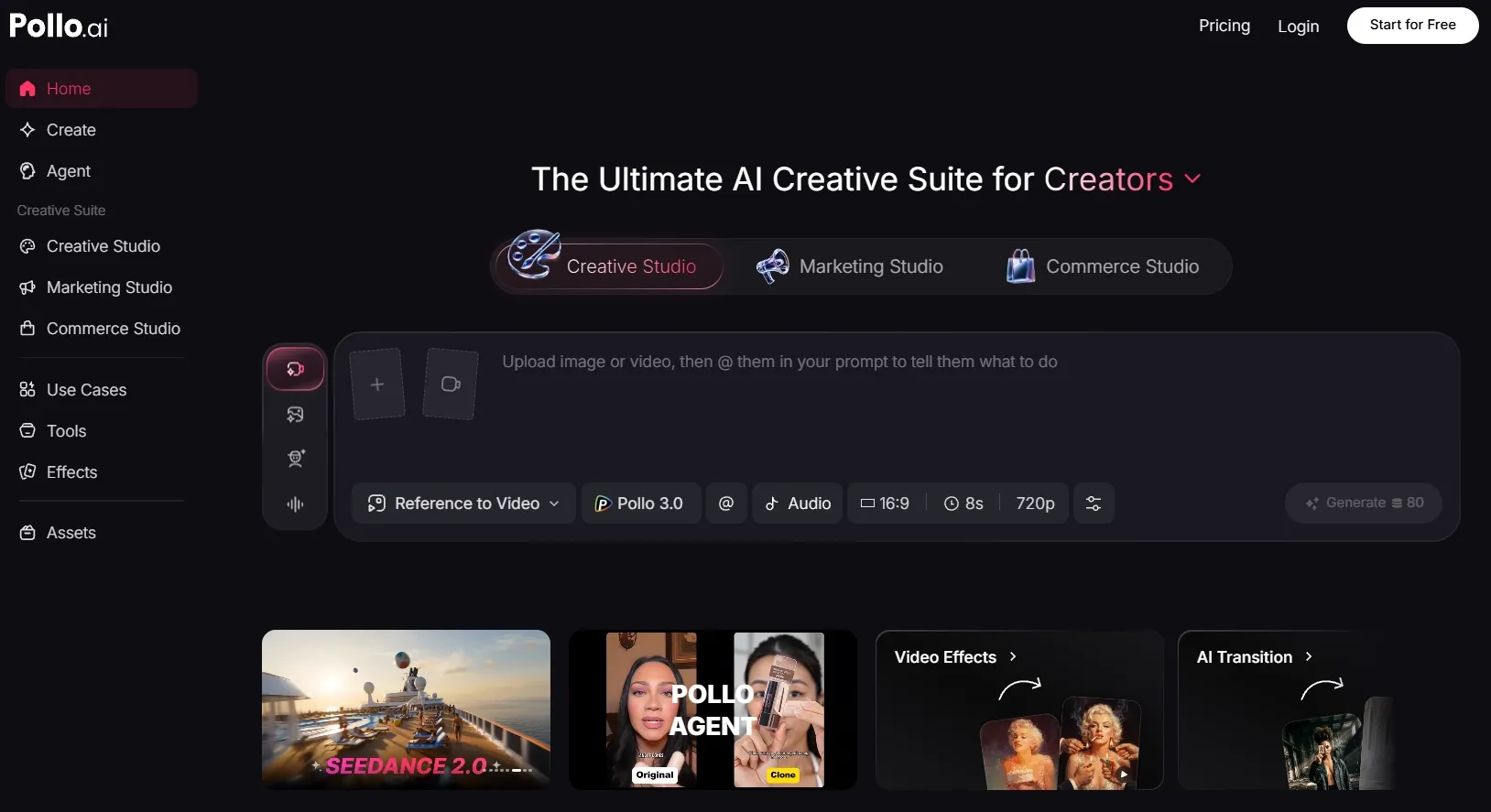
Pollo AI is my top Picsart AI alternative because it gives me more than a quick image creation or editing space. It feels built for creators, marketers, and sellers who want to generate, refine, and prepare visuals for actual projects, not just make a fun edit and stop there.
The image workflow gives me more freedom from the start. I can create a new visual from a prompt, upload an existing image for restyling, or continue refining the result with its AI photo editor.
Pollo AI also gives me stronger creative direction. Instead of working inside one fixed visual style, I can test different leading models such as GPT-4o and GPT Image 2, and image workflows depending on the result I want. This makes it easier to move between realistic visuals, stylized artwork, commercial images, and more experimental concepts without changing platforms.
For sellers and brands, Commerce Studio by Pollo AI makes the difference even clearer. I can create e-commerce product images without arranging expensive photo shoots. If you need product visuals that feel more intentional than casual edits, this workflow is much more practical.
Key Features
- More creation flexibility: Create images with more elite models, including Nano Banana 2 and Seedream 5.0, for different visual goals.
- Text to image: Generate original visuals from written prompts for content, design, and marketing.
- Image to image: Restyle uploaded images while keeping the core idea or subject.
- AI Photo Editor: Refine, clean, and change images after the first generation.
- Commerce Studio: Produce commercial-grade product shots faster while reducing photography and model-shoot costs.
Best For
- Content creators: Generate podcast cover art, pixel art, or AI word art for stronger blog, social, and personal visuals.
- Marketers: Create campaign banners, event countdown graphics, or promo graphics for faster creative testing.
- E-commerce sellers: Create product bundle images, seasonal product displays, or virtual try-on photos without arranging studio shoots.
- AI creators: Generate manga panels, myth-inspired character portraits, or futuristic city concepts while exploring different visual directions.
Pros:
- Useful model flexibility for different image styles.
- Commerce Studio adds value for sellers and brands.
- A full workflow from image generation to editing.
Cons:
- Some advanced features may require credits or a paid plan.
- Beginners may need time to explore the full tool ecosystem.
Create Better AI Images with Pollo AI
Start with a simple idea, turn it into a stronger AI image, and keep refining until it is ready to share, publish, or promote.
Try Pollo AI for Free
Canva: Best Picsart AI Alternative for Social Graphics
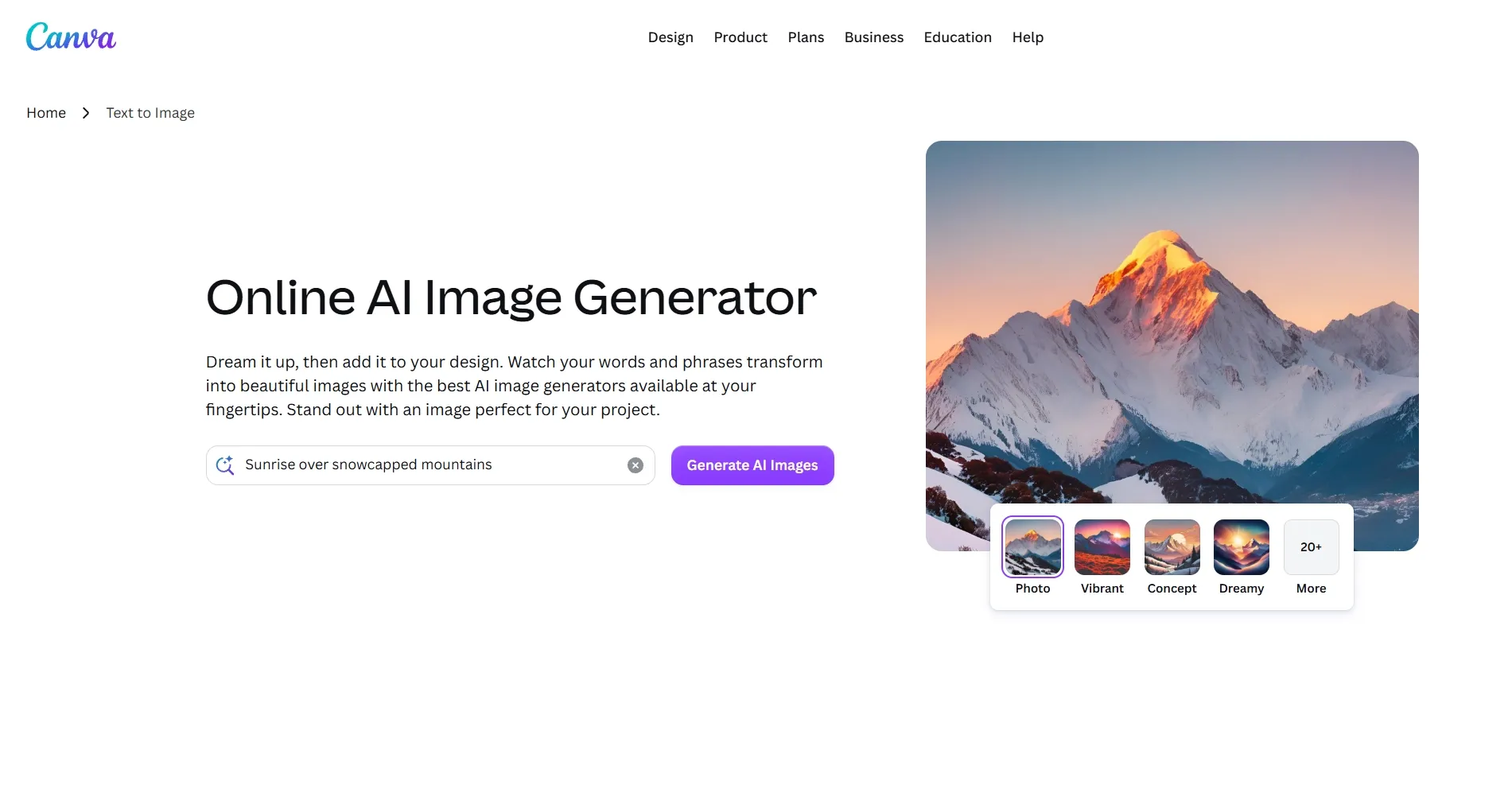
Canva makes sense if your AI image is only one part of a larger design. In my test, it was especially convenient when I wanted to generate a visual and immediately place it into a post, flyer, presentation, or branded layout.
The workflow feels smooth because Canva already understands design packaging. I could create an image, add copy, resize the layout, apply brand elements, and prepare the final design for different platforms. If you care more about publishing a complete graphic than fine-tuning every AI setting, Canva is easy to use.
For small teams, Canva also feels approachable. You do not need to think like a prompt engineer or a designer. You can start with a template, add an AI-generated visual, and quickly shape it into something presentable.
But Canva is less ideal when you want advanced prompt control, unusual image styles, or deep post-generation correction. Its AI image result can sometimes feel like one asset inside a template system, rather than the center of a serious AI image workflow.
Key Features
- Text to image: Generate AI images from written prompts.
- Design templates: Place images into posts, flyers, documents, and presentations.
- Brand Kit: Keep colors, logos, and brand materials more consistent.
- Magic editing tools: Adjust images inside Canva’s broader editing workflow.
- Resize options: Adapt one design for multiple platforms.
Best For
- Social creators: Create Instagram posts, Pinterest graphics, or story visuals, then resize them for different social platforms.
- Small businesses: Design event posters, promotional flyers, or AI banner images for local campaigns and seasonal updates.
- Teachers: Build classroom visuals, worksheet clipart, or simple coloring pages for lessons and student activities.
- Marketing teams: Prepare branded social graphics, announcement posts, or comparison graphics with cleaner layout and quicker edits.
Pros:
- Easy design workflow after image generation.
- Strong template ecosystem for social content.
- Good for beginners and non-designers.
- Useful for quick layout and resizing tasks.
Cons:
- Less suitable for advanced prompt control.
- AI image outputs can feel secondary to the design workflow.
- Some premium assets and tools require paid access.
For more details, check out our insightful Canva review.
Bing AI: Best Picsart AI Alternative for Everyday Image Ideas
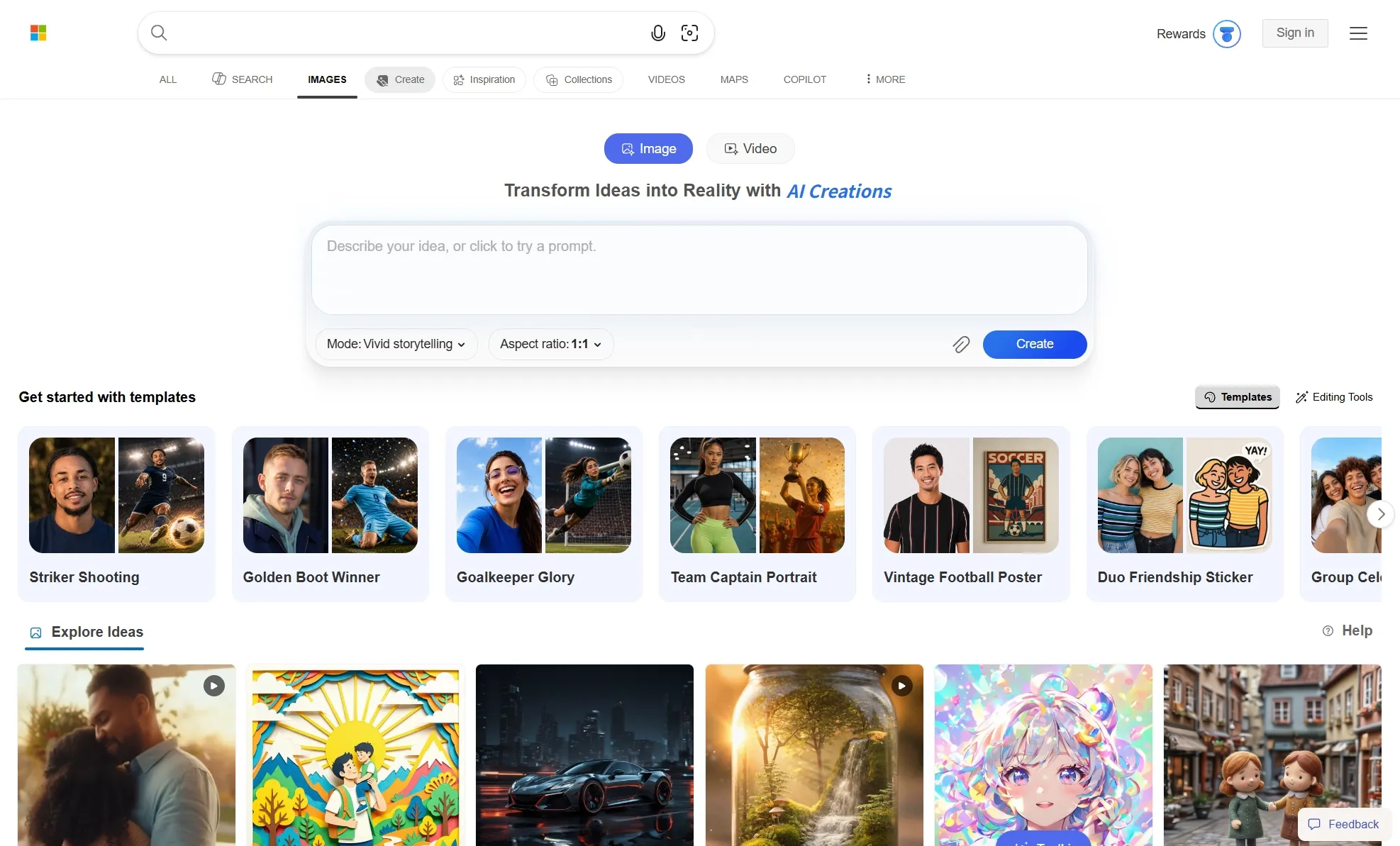
Bing AI worked best for me as a fast idea starter. I could type a short prompt, get several image directions, and decide whether the concept was worth developing further.
It is especially useful when you do not want to open a full creative suite. For simple brainstorming, I found it helpful for travel-poster compositions, toy-style designs, symbolic article images, and quick fantasy scenes.
The experience feels low-pressure, which is exactly what you need during the early idea stage.
The learning curve is also light. You can get usable visual drafts without learning layers, templates, or advanced controls. That makes it a practical option for students, bloggers, and casual creators who need a quick starting point.
Yet Bing AI is not the tool I would choose for editing-heavy projects. After the image is created, you may still need another platform for photo retouching, branded layouts, background changes, or more precise image correction.
Key Features
- Prompt-based generation: Create images from natural language descriptions.
- Multiple outputs: Compare several image directions from one prompt.
- Microsoft ecosystem: Use it alongside Designer and Copilot-related tools.
- Simple interface: Generate images without a complex creative setup.
- Style prompts: Test basic art, photo, and illustration directions.
Best For
- Beginners: Generate simple sketch visuals, mood images, or quick concept drafts without learning complex editing tools.
- Students: Create presentation images, project illustrations, or story visuals for class assignments and activities.
- Bloggers: Explore featured-image concepts, symbolic art, or simple map-style visuals for articles and topic explainers.
- Casual creators: Test pet portraits, fantasy scenes, or playful image ideas for fun posts and early inspiration.
Pros:
- Very easy to start using.
- Good for quick image brainstorming.
- Helpful for simple text-to-image prompts.
- Fits casual and beginner creative needs.
Cons:
- Not ideal for advanced post-generation editing.
- Prompt control can feel limited for complex visuals.
- Usage limits and AI credits can affect frequent creation.
Meta AI: Best Picsart AI Alternative for Casual AI Images
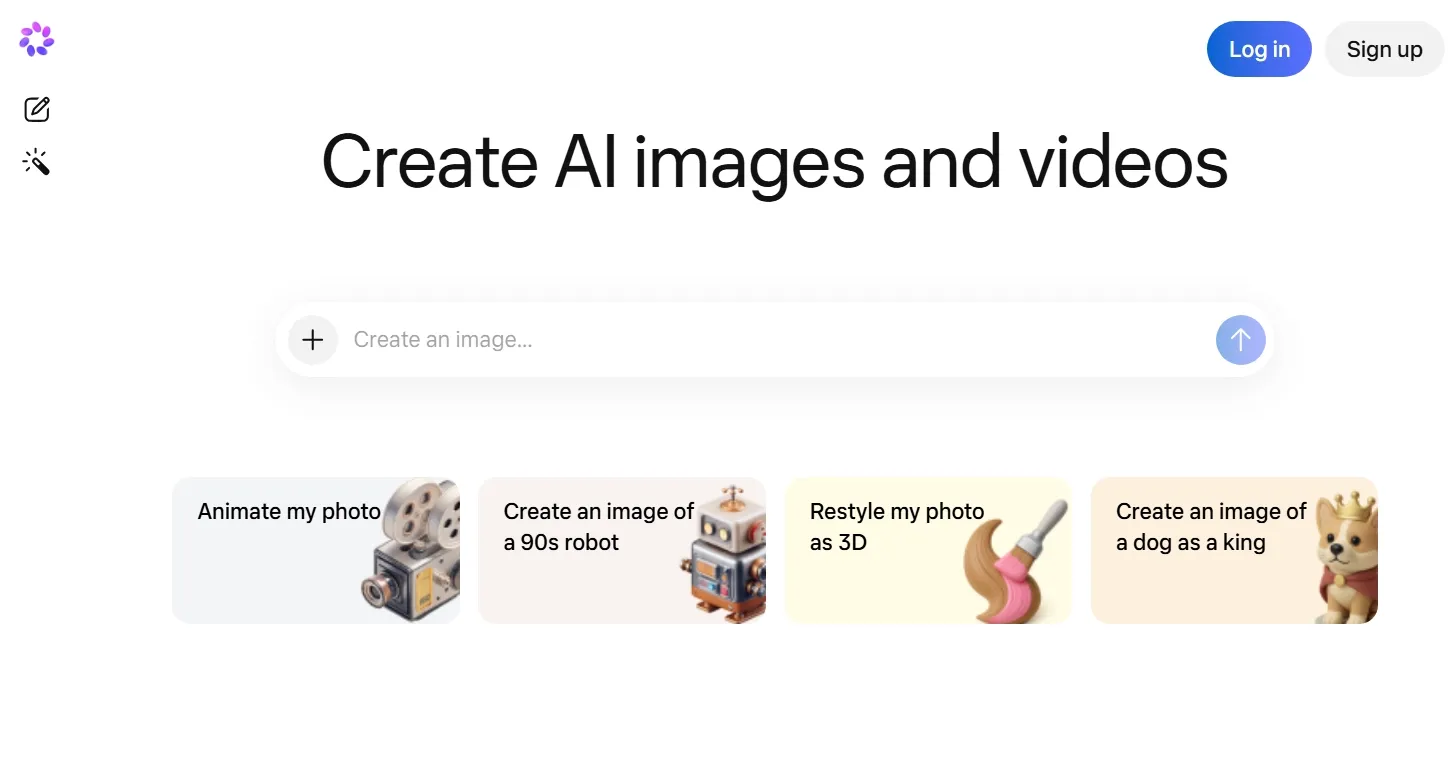
Meta AI feels natural when the image is meant for social sharing. Since it sits close to Meta’s broader ecosystem, I could see it fitting everyday content habits more easily than a standalone design tool.
In my practice, Meta AI felt most useful for light social ideas. I could describe a casual mood, a simple scene, or a shareable visual reaction, and it quickly turned that idea into an image that felt easy to post or send.
Another advantage is convenience. You do not have to build a full creative workflow just to test an image idea. That makes Meta AI useful when inspiration matters more than production-level polish.
But Meta AI is not built for careful image control. I would avoid relying on it for detailed brand visuals, product images, or refined commercial assets, because the workflow does not give enough precision for that kind of work.
Key Features
- Text to image: Generate images from short written prompts.
- Image editing: Edit, style, and adjust AI images.
- Social integration: Use AI images within the broader Meta ecosystem.
- Casual creation: Make quick visuals for chats and social sharing.
- Style experiments: Test simple aesthetic directions without a heavy setup.
Best For
- Social users: Create casual post images, AI emojis, or pet portrait visuals for chats and everyday sharing.
- Lifestyle creators: Generate outfit images, cozy room concepts, or soft portrait edits for personal content.
- Casual marketers: Draft seasonal campaign visuals, simple product mood images, or background concepts for early creative planning.
- Everyday creators: Make cartoon avatars, fantasy portraits, or fun scene images, then adjust the background or lighting for a cleaner look.
Pros:
- Easy access for existing Meta users.
- Good for casual social image creation.
- Simple prompt experience.
- Useful for quick creative play.
Cons:
- Less suitable for polished commercial visuals.
- Limited control compared with advanced image platforms.
- Availability and feature access can vary by region.
You can learn more in our practical Meta AI review.
Getimg AI: Best Picsart AI Alternative for Advanced Image Generation
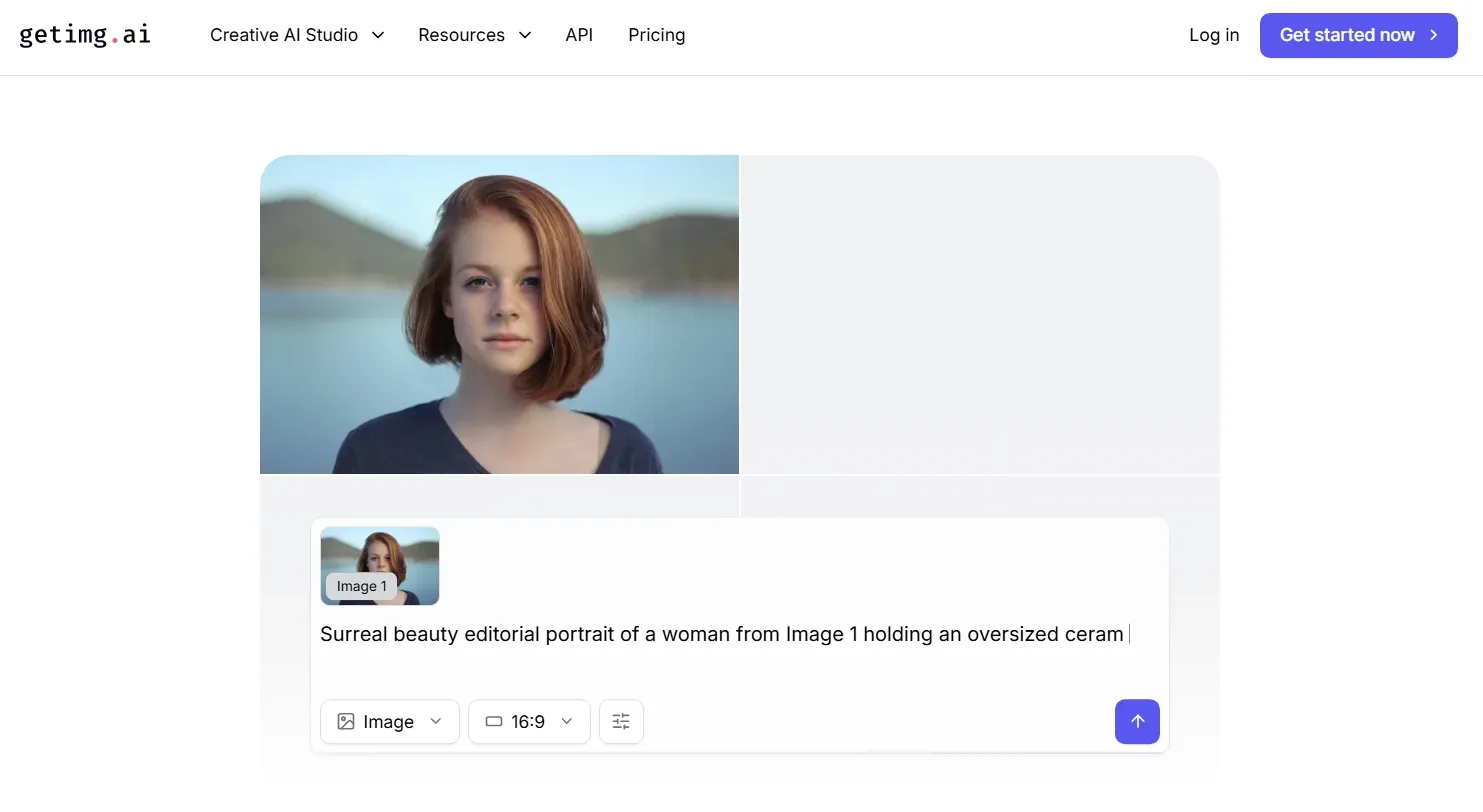
Getimg AI felt more useful once I had a clear image direction. In my test, it was easier to push an almost-right result closer to what I wanted, especially when the image needed a cleaner structure, sharper details, or a more controlled visual style.
That makes it better for projects where the first draft is only a starting point. I found it especially helpful for building a small set of related visuals, testing different art directions, and refining images until they fit a more specific creative brief.
The editing options also make the workflow feel more serious. Inpainting, upscaling, and image editing help you fix selected areas or improve a promising output. If you often generate images that are almost right, these tools can save a lot of time.
But Getimg AI can feel demanding when I only need a quick social image. Some outputs still require several rounds of adjustment before the subject, texture, and overall style feel balanced, so the process can take longer than expected for simple visual tasks.
Key Features
- Model access: Generate images using multiple AI image models.
- Image editor: Adjust and refine visuals after generation.
- Inpainting: Edit selected areas inside an existing image.
- Upscaling: Improve resolution for sharper image outputs.
- Commercial rights: Use paid-plan outputs for broader project needs.
Best For
- AI creators: Compare model outputs for character turnarounds, sci-fi environment concepts, or stylized portrait images.
- Design teams: Generate product mockup directions, material texture images, or early layout references for visual planning.
- Marketers: Create product collage concepts, ad image drafts, or themed campaign visuals, then improve weak details with inpainting or upscaling.
- Advanced users: Refine images through background replacement, object removal, or lighting adjustments when the first output is close but unfinished.
Pros:
- Stronger control than basic image generators.
- Useful model variety for serious AI creators.
- Good editing options after generation.
- Better fit for iterative image workflows.
Cons:
- Can feel more complex for casual users.
- Credits and plan limits matter for heavy use.
- Not as template-friendly as design-first tools.
For a deeper breakdown, explore our Getimg AI review.
Gencraft AI: Best Picsart AI Alternative for Fast Creative Variations
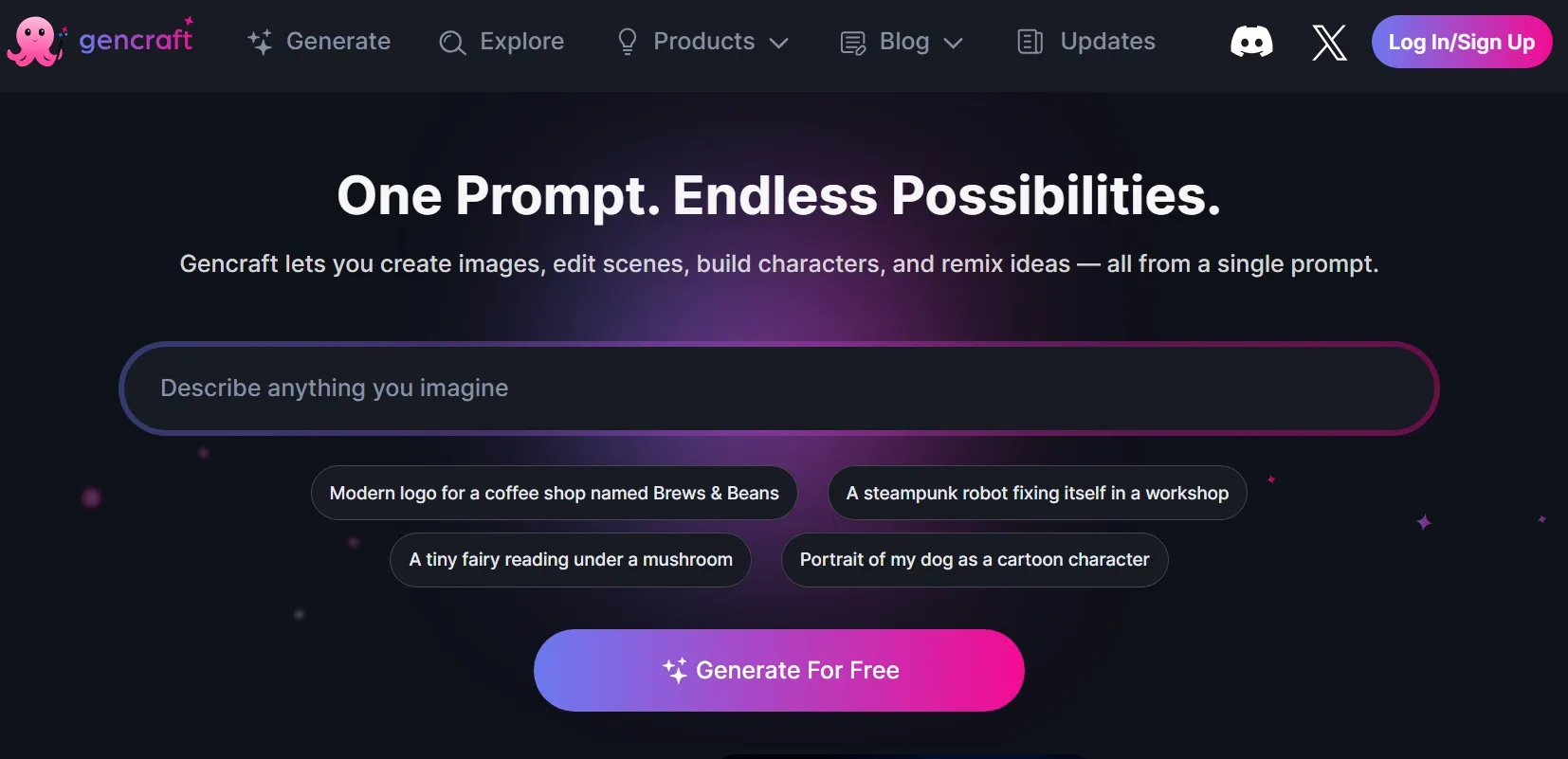
Gencraft AI felt better for loose creative exploration. In my test, it helped me move quickly from a rough idea to a more expressive visual style, especially for images that needed personality or social-friendly appeal.
I found it especially helpful for testing how the same subject could look across different moods. For example, a simple portrait could become softer, bolder, or more futuristic, which made it easier to choose a direction before spending more time on refinement.
It also suits creators who like working from variation. Instead of trying to perfect one image immediately, you can generate multiple directions and choose the one with the strongest style or personality.
But Gencraft AI did not always give me enough consistency across repeated generations. When I tried to refine the same idea, the subject, facial details, or overall style could shift more than expected.
I also found that some outputs needed extra retries before they looked clean enough for anything beyond casual creative testing.
Key Features
- AI art generation: Create stylized images from prompts.
- Image variations: Explore multiple versions of a visual idea.
- Avatar creation: Generate creative personal or character-style portraits.
- Model options: Try different AI styles and looks.
- Mobile access: Create visual ideas from app-based workflows.
Best For
- Social creators: Generate stylized profile concepts, chibi characters, or playful face images for personal branding and social posts.
- Creative writers: Create character moodboards, monster visuals, or story-scene artwork for worldbuilding and early narrative planning.
- Casual designers: Explore decorative graphics, sticker-style visuals, or visual references for small and personal creative projects.
- Trend testers: Produce quick image variations, then upscale or enhance your photos for cleaner social drafts.
Pros:
- Fast and easy for visual exploration.
- Good for stylized portraits and avatars.
- Useful for generating many creative directions.
- Friendly for casual AI art users.
Cons:
- Less suitable for detailed commercial image editing.
- Output consistency can vary across styles.
- Not ideal for structured design layouts.
PromeAI: Best Picsart AI Alternative for Design Concepts
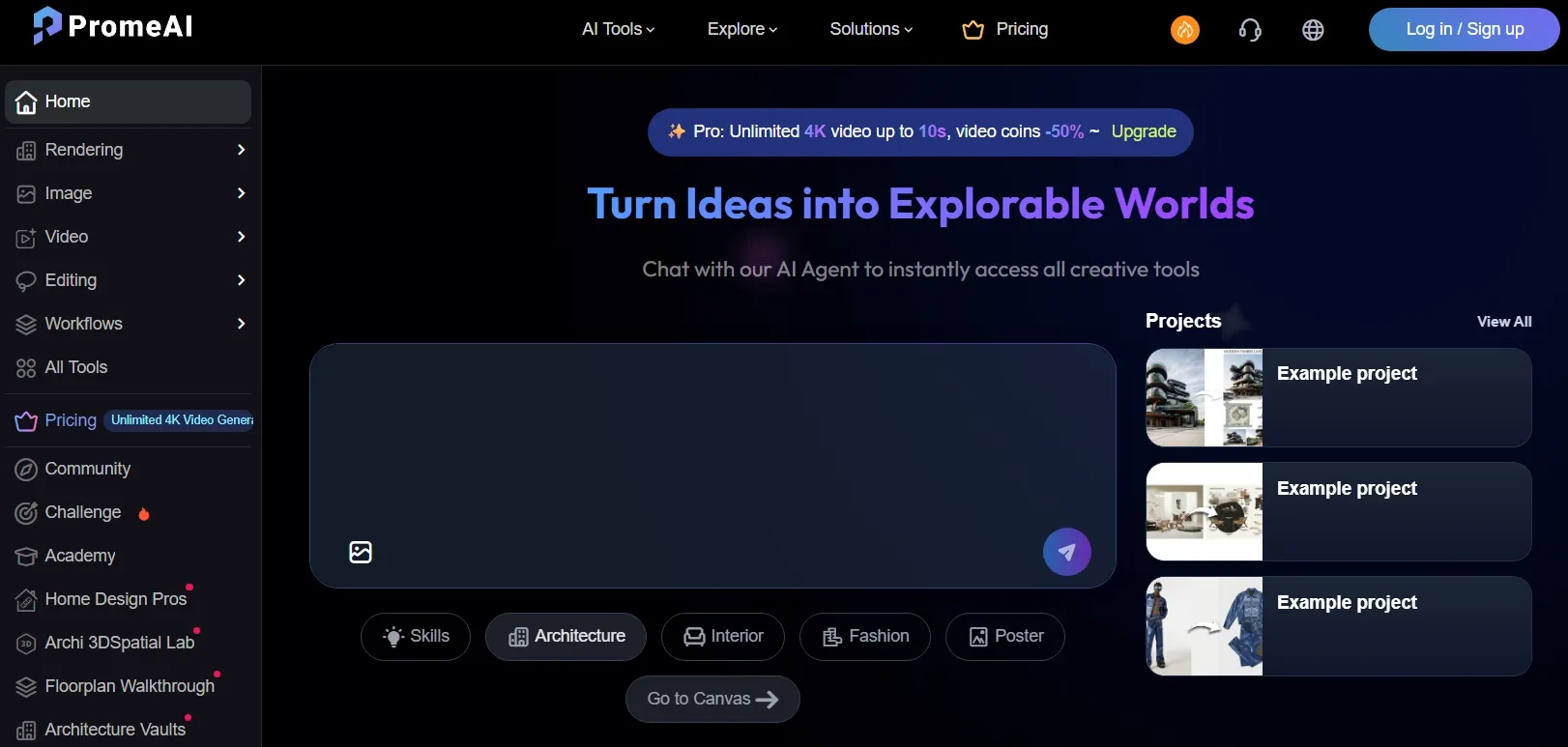
PromeAI felt more like a space for shaping early design ideas. I found it useful when I wanted to turn a rough reference, layout thought, or product concept into a cleaner visual direction.
Its design-first direction became clear once I tested it with rougher starting materials. A loose sketch, an unfinished room idea, or an early product concept could become a cleaner visual draft with better structure, depth, and presentation value.
Yet, PromeAI did not handle simple ideas as smoothly in my test. When I gave it a loose prompt without a clear reference or design direction, the result could look stiff, overbuilt, or less natural than I expected.
Key Features
- Sketch rendering: Turn sketches and model views into realistic render-style images.
- AI image generator: Create design concepts from text prompts.
- Creative fusion: Blend references and styles for new visual directions.
- Erase and replace: Edit selected parts of an image.
- Design tools: Support interiors, architecture, product ideas, and concept visuals.
Best For
- Interior designers: Generate floor plan concepts, furniture placement ideas, or material texture boards for early room planning.
- Architects: Create CAD drawings, facade studies, or site-map-style visuals for clearer concept presentations.
- Product designers: Explore product shape studies, surface material concepts, or packaging mockup visuals before final design work.
- Game artists: Draft sprite sheet ideas, terrain map concepts, or prop design references for world-building and asset planning.
Pros:
- Strong for design concept exploration.
- Useful sketch-to-render workflow.
- Better fit for architecture and product visuals.
- Good for presentation-style drafts.
Cons:
- May feel heavy for casual image creation.
- Less focused on social template design.
- Some advanced tools require paid access.
ImagineArt: Best Picsart AI Alternative for Creative Visual Ideas
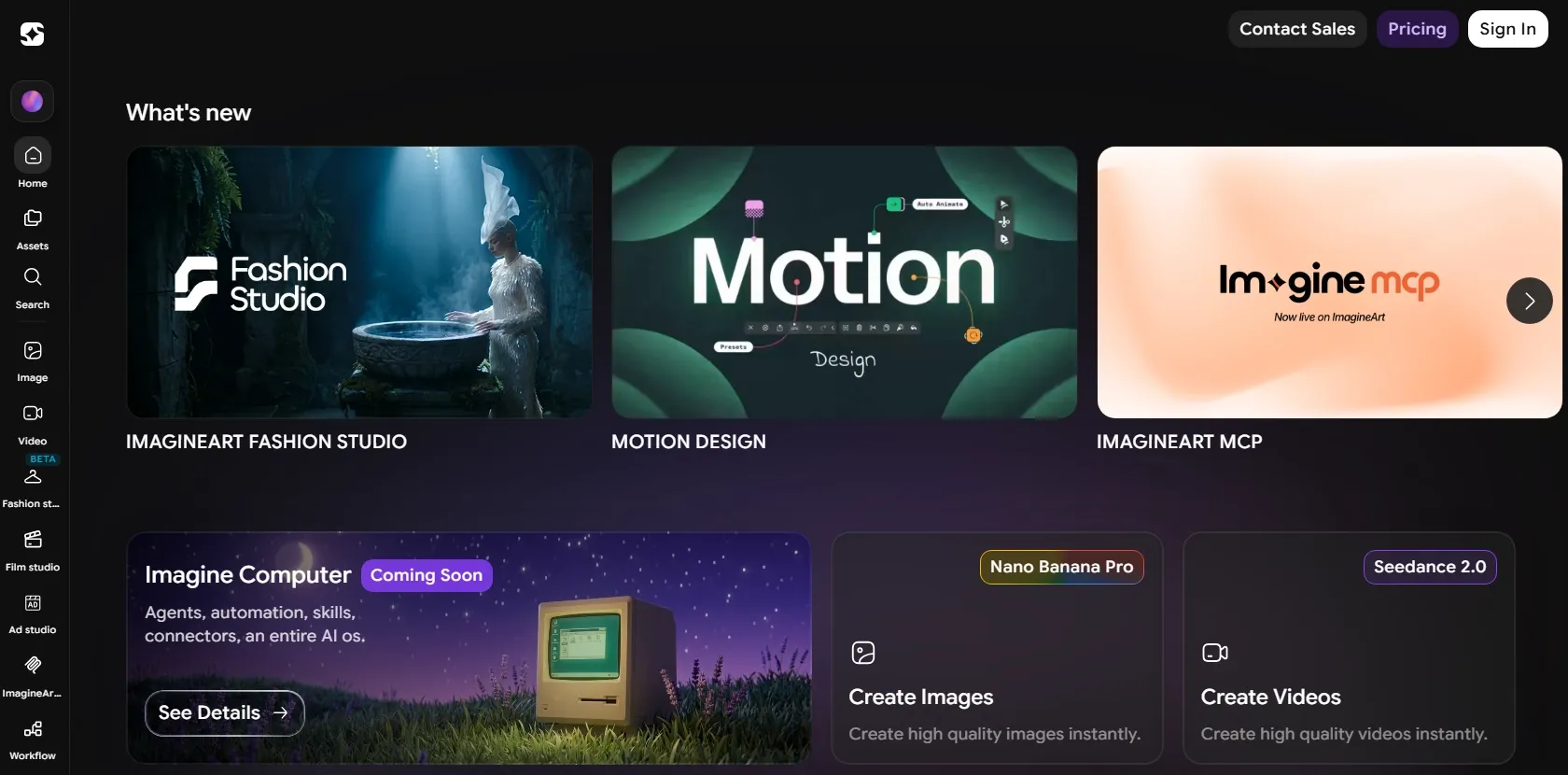
ImagineArt gave me more room to play with a creative idea before locking in one final look. In my test, I could shape the image through different moods, styles, and visual treatments.
I also found it approachable when I wanted to turn early creative thoughts into clearer visual references. Instead of needing a polished brief, I could test whether an idea worked better as a mascot, a logo-style concept, a surreal scene, or a poster-like image.
That made the process feel friendly for non-designers who need fast visual language before moving into more detailed creative work.
But ImagineArt can be less predictable when you need strict brand consistency or polished commercial detail. Output quality may vary by style and model, so I would review results carefully before using them in serious projects.
Key Features
- Text to image: Generate visuals from written descriptions.
- Multiple image styles: Create realistic, artistic, cartoon, and anime-style images.
- Logo concepts: Draft simple logo and identity ideas.
- AI edits: Apply prompt-based changes to existing images.
- Creative templates: Start from common visual formats and styles.
Best For
- Indie creators: Generate mascot ideas, animal hybrid visuals, or stylized portrait images for personal brands and creative projects.
- Small brands: Explore logo concepts, poster drafts, or launch visuals for early identity and campaign planning.
- Content teams: Edit blog or social visuals by removing unwanted objects, changing backgrounds, or enhancing weak image details before publishing.
- Hobbyists: Retouch personal artwork, expand images, or adjust lighting to make creative drafts look cleaner and more complete.
Pros:
- Good range of creative image styles.
- Useful for quick idea exploration.
- Works for posters, logos, and character visuals.
- Accessible for non-designers.
Cons:
- Output quality can vary by style and model.
- Credit usage may be harder to predict.
- Less ideal for strict brand consistency.
For a clearer look at its creative workflow, check out our ImagineArt review.
Hotpot AI: Best Picsart AI Alternative for Quick Marketing Graphics
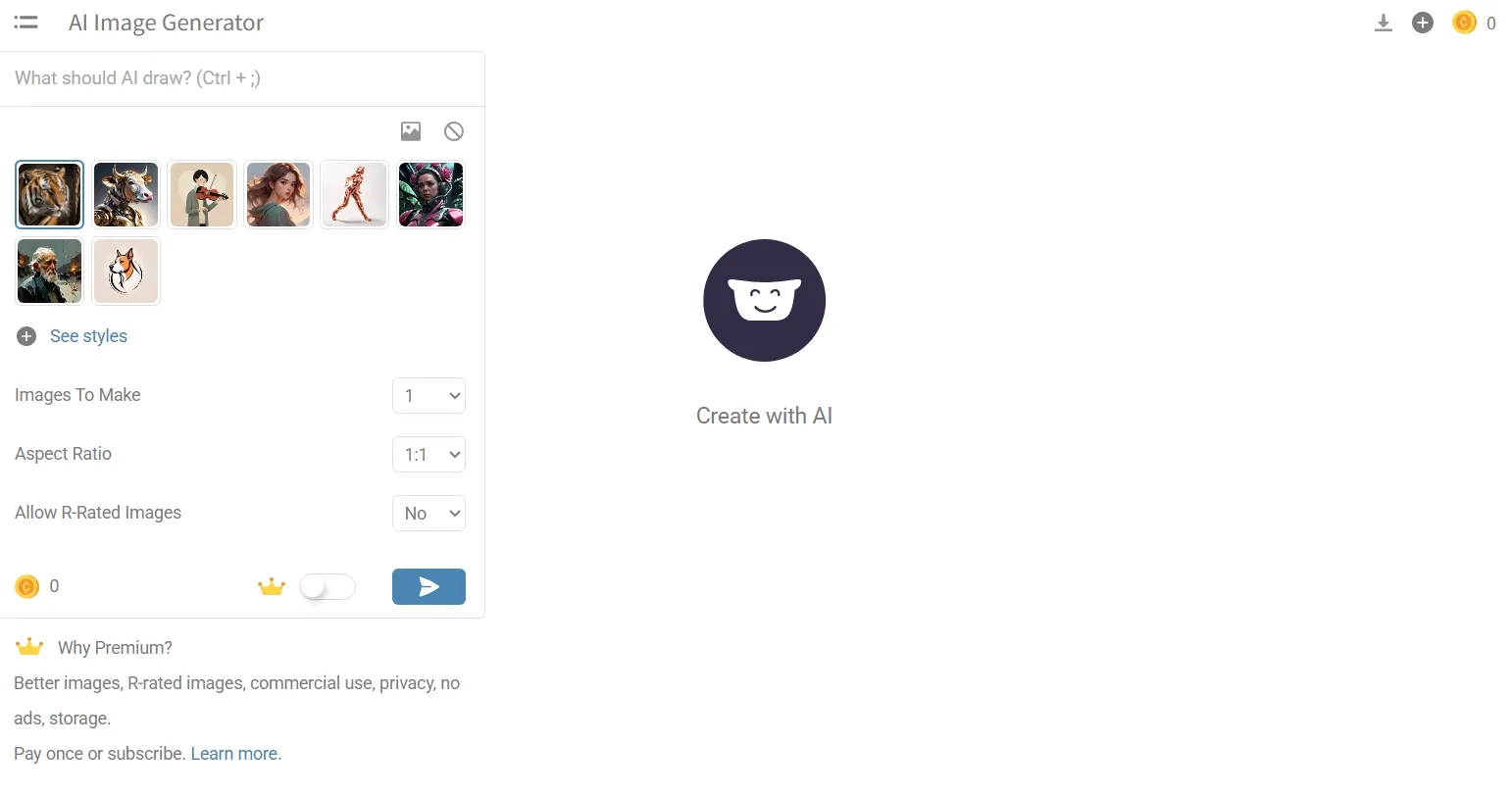
Hotpot AI felt useful when I needed a small creative task done without opening a heavier design platform. In my practice, it worked well for everyday visual needs where speed, clarity, and basic customization mattered the most.
I treated Hotpot AI more like a lightweight creative toolbox than a pure AI image generator. It moved me from generation to basic editing and graphic preparation in the same space. So I could shape a quick concept into something cleaner without building a full workflow around it.
But Hotpot AI felt limited when I needed deeper control over the final image. In my test, it was harder to fine-tune small visual details, manage complex edits, or push a generated image toward a very specific style without moving to another tool.
Key Features
- AI image generator: Create art, illustrations, and photos from prompts.
- Templates: Build social graphics, app assets, and simple marketing visuals.
- Photo tools: Remove objects, enhance photos, and adjust image quality.
- Headshot tools: Create polished profile or business-style images.
- Graphic editor: Customize visuals for different online uses.
Best For
- Small businesses: Create local promotion images, simple product photos, or storefront-style graphics for everyday marketing needs.
- Startup teams: Draft pitch visuals, logo concept images, or landing-page hero graphics for early brand presentation.
- Marketers: Generate campaign images, product announcement graphics, or quick ad-style visuals for lightweight creative testing.
- Creators: Edit social-ready images by removing logo backgrounds, adding clean white backgrounds, or upscaling low-resolution drafts.
Pros:
- Good mix of AI image tools and templates.
- Useful for quick marketing visuals.
- Simple enough for non-designers.
- Covers several everyday graphic needs.
Cons:
- Pricing can vary by product and settings.
- Less suitable for advanced model control.
- Not ideal for complex image refinement.
Craiyon AI: Best Picsart AI Alternative for Casual Image Experiments
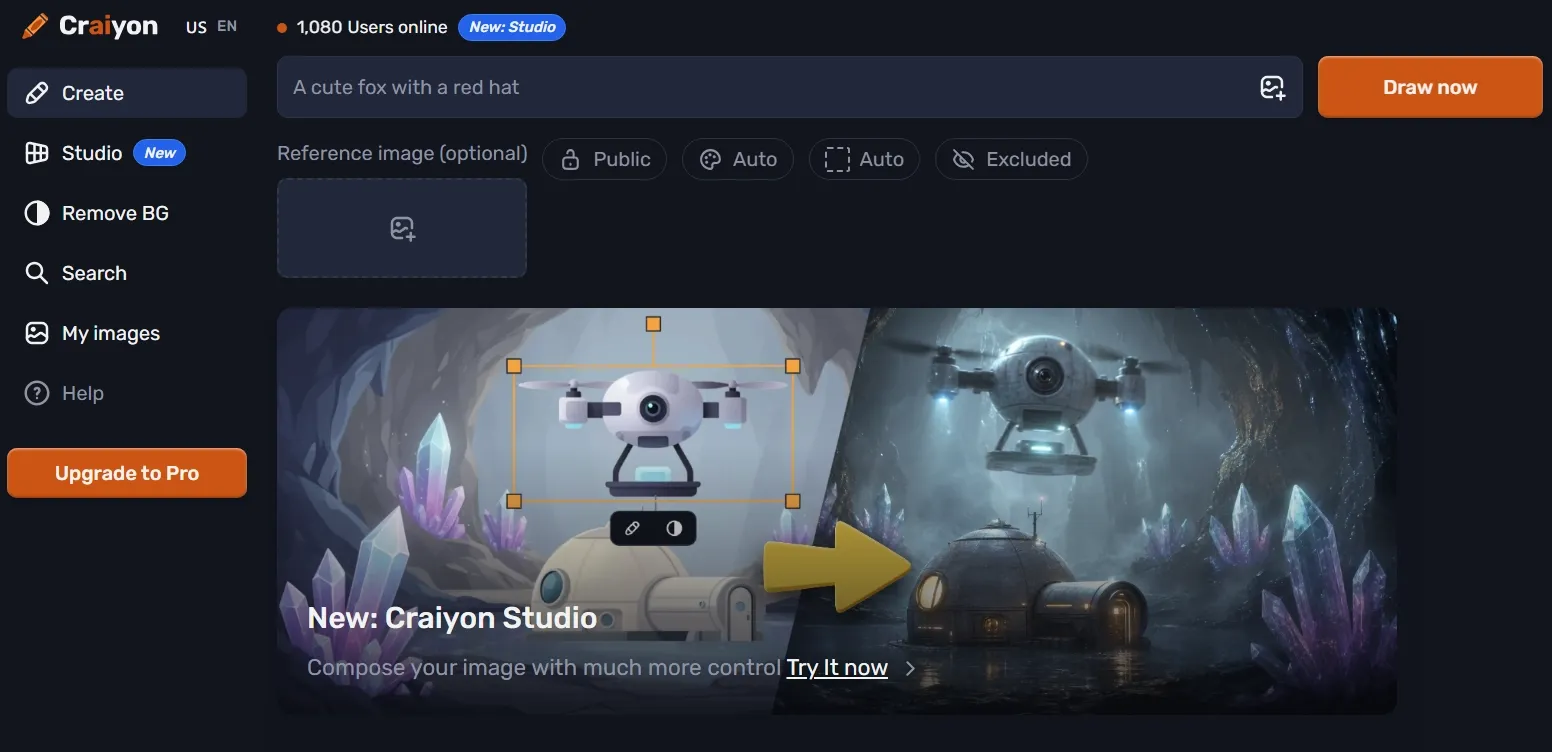
Craiyon AI was the easiest tool on this list for low-pressure creative testing. I would use it when I wanted to loosen up an idea, try an unusual prompt, or see whether a visual concept had any potential before spending more time on refinement.
I found its value clearer when the image idea mattered more than the final polish. For example, I could test whether a strange scene, story concept, classroom visual, or humorous image direction was worth developing further.
That made Craiyon AI helpful for the earliest creative stage, when speed and idea volume mattered more than a finished look.
But Craiyon AI is not the tool I would trust for polished commercial visuals. In my test, the results often needed more cleanup than I wanted, especially when the image had to look realistic, detailed, or consistent enough for a real project.
When something looked off, I also had fewer ways to guide the correction, so improving an almost-right image could feel harder than simply regenerating from scratch.
Key Features
- Text to image: Generate images from simple written prompts.
- Unlimited basic generations: Explore many ideas with fewer barriers.
- Photo Editing: Use credits for higher-quality image editing features.
- Upscaling: Improve selected outputs for better downloads.
- Simple interface: Start generating without a professional design setup.
Best For
- Casual users: Create stunning superhero images, adorable pet visuals, or surreal joke visuals for low-pressure creative testing.
- Students: Generate classroom art, or project inspiration, or rough story scenes for class projects and creative assignments.
- Prompt testers: Try unusual object combinations, fantasy art, or strange scene ideas to see which prompt directions are worth developing.
- Hobby creators: Edit rough drafts by upscaling or unblurring photos before using them in personal projects.
Pros:
- Easy for casual image experiments.
- Good for fast visual brainstorming.
- Low barrier for simple prompts.
- Useful when polished quality is not the goal.
Cons:
- Output quality can look rough.
- Not ideal for commercial or brand visuals.
- Limited control compared with advanced platforms like Pollo AI.
For more testing notes, explore our Craiyon AI review.
Bring Your Visual Ideas to Life with Pollo AI
Use Pollo AI to create sharper, more flexible AI images that are ready for your next project.
Make Better Visuals FreeHow I Compared These Picsart AI Alternatives
I ranked these Picsart AI alternatives by looking at the whole image creation experience, not just the first generated result.
I wanted to see which tools could help me create cleaner images, refine them more easily, and use them in real content projects without adding too much extra work.
| Ranking Standard | What I Looked For |
| Final Image Readiness | I checked whether the images looked clean, coherent, and usable without too much extra repair. Sharp details, stable subjects, and natural lighting mattered most. |
| Prompt-to-Image Accuracy | I tested how well each tool followed subject, style, mood, composition, and detail instructions. A good alternative should not require endless prompt rewriting. |
| Creative Direction Control | I ranked tools higher when they offered model choices, image-to-image workflows, inpainting, style controls, or stronger ways to shape the result. |
| Editing After Generation | I looked at what happened after the first image appeared. The best tools helped me refine, clean, restyle, or adjust images without switching platforms. |
| Real Project Fit | I considered whether each tool could support actual content work, including product visuals, event posters, comparison graphics, article illustrations, character concepts, and campaign drafts. |
My Final Thoughts
Picsart AI is still useful for quick edits, simple AI images, and casual creative content. If your needs stay light, it can still be a convenient tool.
But if you want stronger AI image generation, better editing after generation, and visuals that can support real projects, Pollo AI is the best Picsart AI alternative I tested.
Pollo AI feels stronger because it treats image creation as a complete creative workflow, not a one-step generation task. I can move from idea to refined, ready-to-use visual inside the same platform with model flexibility, editing depth, and 50+ innovative image generators.
That is why Pollo AI is ideal for real projects. It helps creators win attention, marketers speed up buyer decisions, and sellers present products with a stronger visual appeal and purchase intent.
Start creating with Pollo AI and make your next image sharper, cleaner, and ready to share.