



8 Best AI Image Sharpeners in 2026: My Top Picks and Honest Impressions
Have a photo you love but can't use because it's blurry? I compared eight AI image sharpeners to help you find a fix worth trying.
Quick Answer: What Is the Best AI Image Sharpener?
Pollo AI is my best AI image sharpener overall. The sharpening process is approachable, and I don't need to master a complicated editor before improving a picture. What wins me over is the ability to handle noise, weak resolution, and further edits in the same creative environment.
8 Best AI Image Sharpeners at a Glance
| AI Tool | Best For | Key Advantage |
|---|---|---|
| Pollo AI | Everyday photos and versatile creative projects | Dedicated sharpener plus connected image tools |
| Topaz | Professional portraits and detailed photography | Specialized blur and focus recovery |
| Adobe Firefly | Print-ready marketing assets | Generative detail enhancement during upscaling |
| Canva | Presentation slides and social graphics | Image sharpening inside a design workflow |
| Fotor | Personal portraits and family snapshots | Automatic sharpening and photo restoration tools |
| Picsart | Lifestyle photos and creator content | Enhancement followed by creative editing |
| Pixlr | Handheld travel and action photos | AI Super Sharp for lens and motion blur |
| Pixelcut | Product listings and online catalogs | Product-focused sharpening and cleanup |
Pollo AI: Best AI Image Sharpener Overall
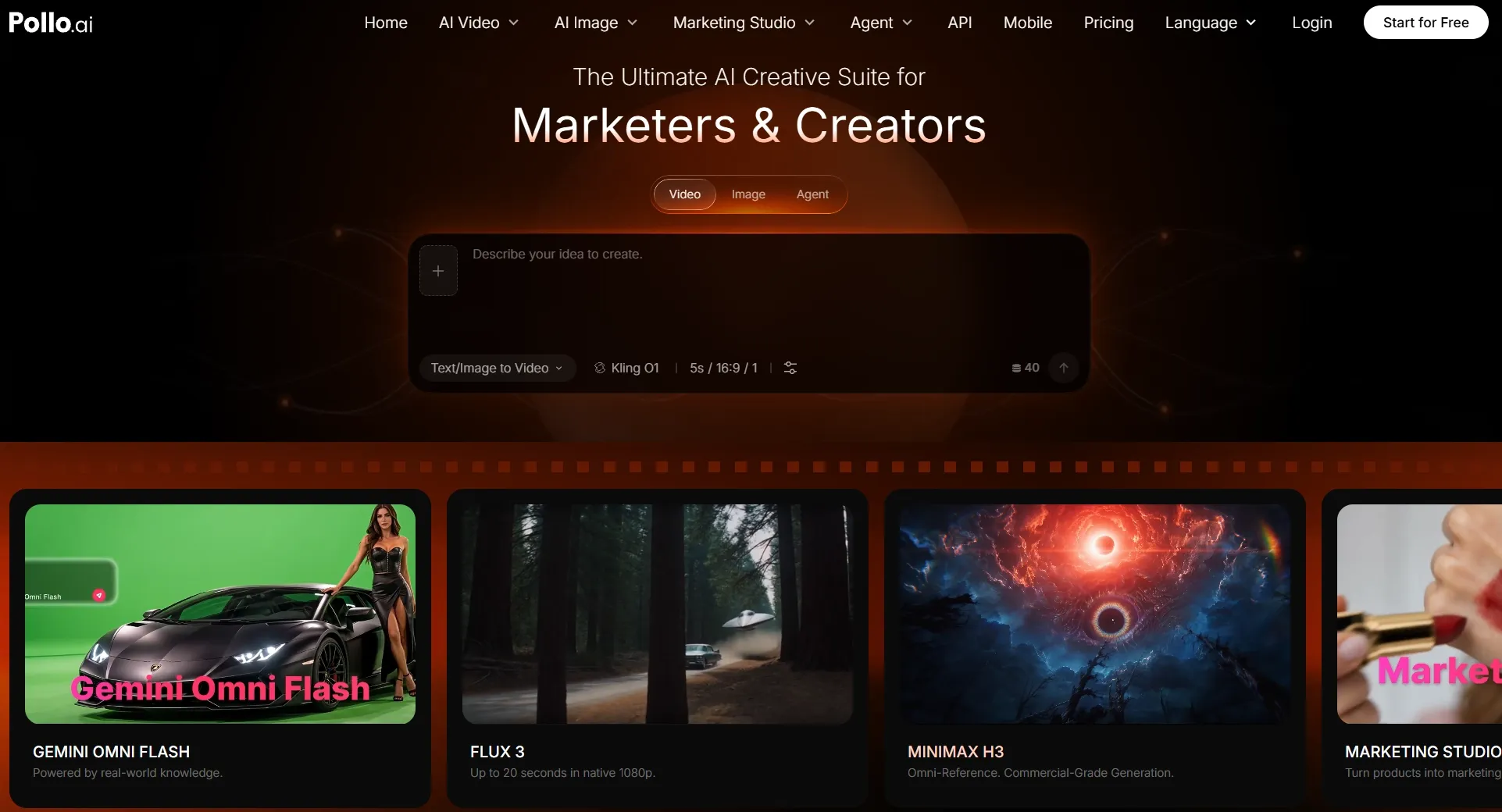
One thing I pay close attention to when sharpening photos is whether the extra clarity actually makes the image more useful. A label might look sharper around the edges while its small text remains difficult to read. What I like about Pollo AI's image sharpener is that it works on both fine details and image resolution, helping me address more than surface-level sharpness.
The improvement becomes more noticeable when I examine specific areas of the image. Pollo AI helps define facial features and individual strands of hair in portraits, while bringing greater clarity to stitching, packaging, and material textures in product photos.
I particularly appreciate how these details become more distinct while the overall image retains a natural, realistic appearance.
I also appreciate that sharpening doesn't have to be the final step. For broader quality improvements, the AI photo editor gives me more flexibility to refine the image with simple prompts. This is especially helpful when a photo has several issues that sharpening alone cannot solve.
Beyond improving existing images, Pollo AI offers another advantage I find valuable: its broader creative capabilities. I can generate original visuals with top models like GPT Image 2.5 and Seedream 5.5, or use dedicated image apps to create product shots, promotional posters, and social media graphics.
Key Features
- Automatic Image Sharpening: Bring greater definition to soft edges and unclear details.
- Resolution Enhancement: Improve visible clarity when the original image lacks resolution.
- Denoising Tools: Address grain and unwanted noise through a separate AI workflow.
- Connected Photo Editing: Refine backgrounds, objects, and other image elements after sharpening.
- Creative Image Apps: Prepare product visuals, social graphics, and other designs with dedicated workflows.
Best For
- Content creators: Make portraits, thumbnails, and lifestyle shots clearer before sharing.
- E-commerce sellers: Improve product details for listing images and promotional materials.
- Marketers: Refine existing photographs for campaigns and online content.
- Everyday photographers: Rescue slightly soft pictures without learning advanced controls.
Pros:
- Straightforward upload-and-enhance process.
- Dedicated sharpening and related cleanup tools.
- Useful for several photo types and creative projects.
- Free credits available to try the tool.
Cons:
- Sharpening requires credits.
- The dedicated sharpener handles one image at a time.
- Very severe blur may not be fully recoverable.
Give Your Photos the Clarity They Deserve
Improve soft photos and take them further with AI image tools for your next project.
Try Pollo AI Image Sharpener Free
Topaz: Best AI Image Sharpener for Professional Photography
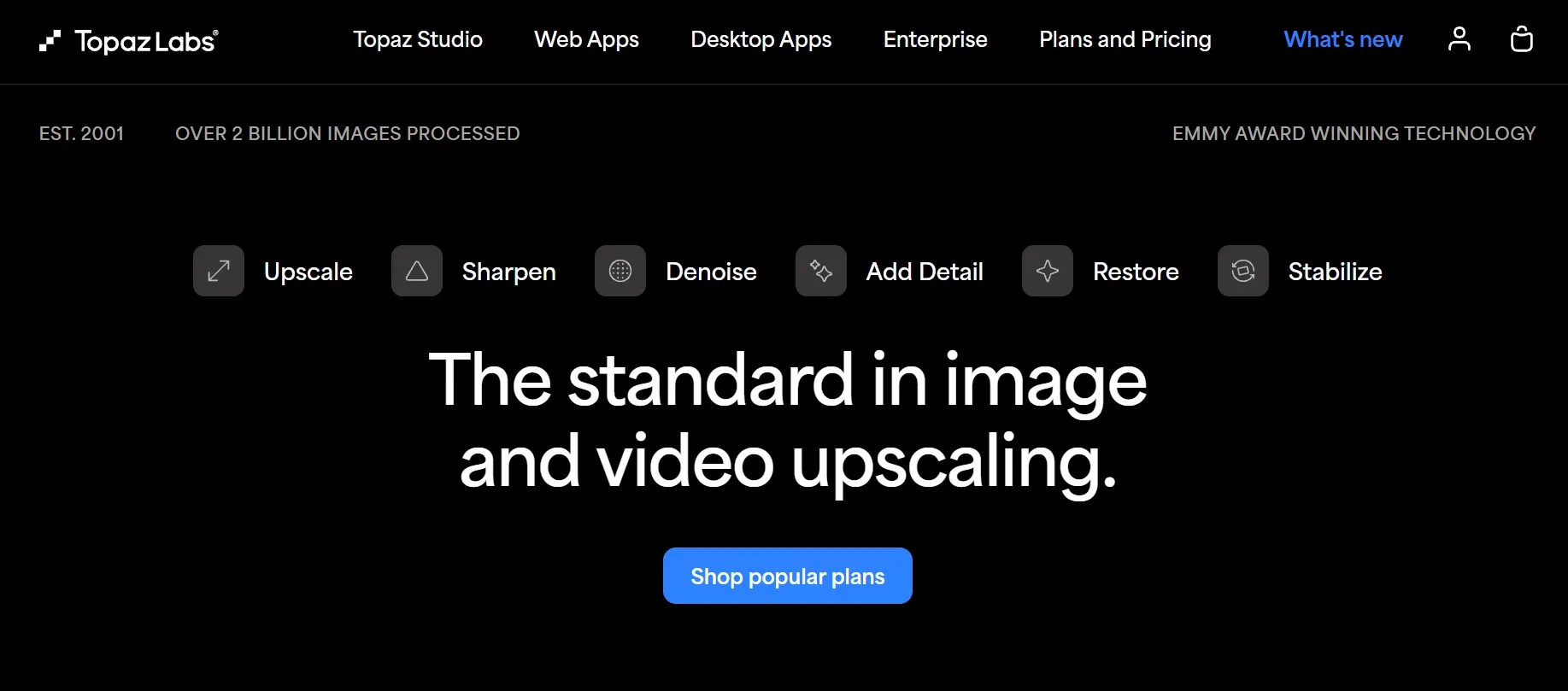
Topaz made me think more carefully about why an image is blurry in the first place. Instead of applying one broad correction, it offers Sharpen models for different problems, including motion blur, natural-looking textures, and refocusing.
What stood out to me about Topaz's Sharpen feature was its ability to bring greater definition to fine details. In wildlife photos, feather patterns become easier to distinguish, while portraits benefit from clearer eyes, eyelashes, and hair strands.
I also appreciate the adjustable sharpening strength, which helps bring out these details without making the entire image look unnaturally crisp.
All those choices have a downside. I had more to consider than with a one-click web tool, and the desktop-oriented experience feels better suited to deliberate photo editing. I'd welcome that depth for client photography, but it seems excessive for fixing a casual selfie.
Key Features
- Specialized Sharpen Models: Address different blur types and photographic textures.
- Adjustable Strength: Control how strongly the tool emphasizes image details.
- Super Focus: Work on challenging soft-focus or missed-focus photographs.
- Noise Reduction: Limit unwanted grain before or during image enhancement.
Best For
- Wildlife photographers: Refine feather, fur, and other intricate natural details.
- Portrait photographers: Address slightly missed focus in important client images.
- Event photographers: Improve handheld or movement-affected photographs.
Pros:
- Detailed control over sharpening behavior.
- Dedicated tools for difficult focus problems.
- Strong photography-oriented editing environment.
Cons:
- More involved than simple online sharpeners.
- Paid professional software is a bigger commitment.
- Aggressive settings can require careful inspection.
Adobe Firefly: Best AI Image Sharpener for Marketing and Print Graphics
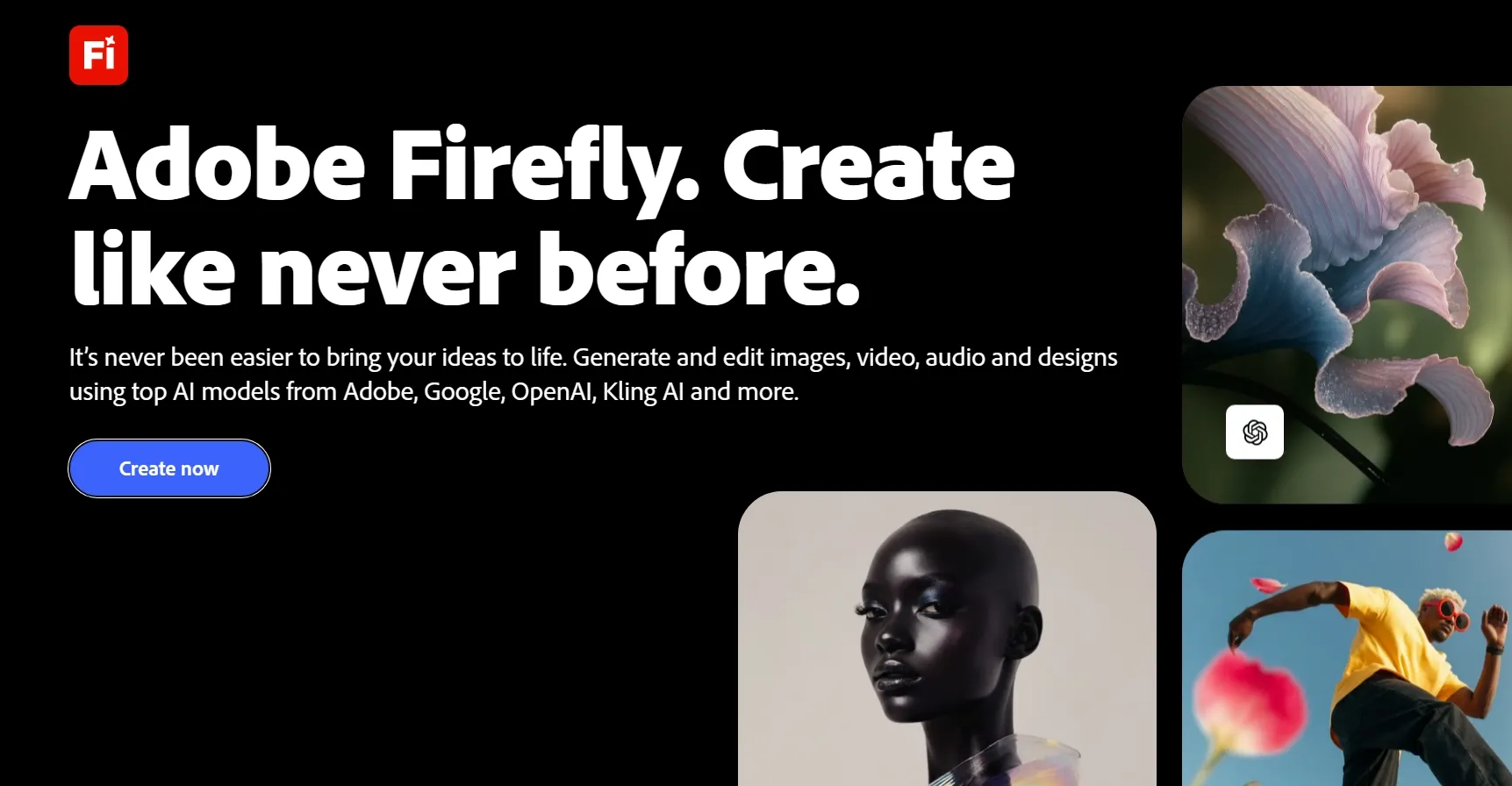
Adobe Firefly took me in a slightly different direction. Rather than centering the experience on a sharpen slider, it uses Generative Upscale to enlarge images by 2× or 4× while reconstructing apparent detail. I see why that matters for a campaign image moving from a small web placement to a larger display.
The model selection is an interesting part of this workflow, including supported Topaz-powered options. I'd reach for it when a product photograph, a customer-submitted shot, or a legacy graphic needs more usable pixels. Those are problems that a simple edge adjustment may not solve.
There is a clear boundary, however. Firefly's strength is recovering apparent detail while enlarging an image, not necessarily reversing severe camera shake. I wouldn't choose it as my first fix for a subject that was never properly in focus.
You can explore the wider platform in our Adobe Firefly review.
Key Features
- Generative Upscale: Enlarge existing images while enhancing visible detail.
- 2× and 4× Scaling: Prepare photos for larger creative placements.
- AI Model Choices: Select from supported enhancement models in the editor.
- Creative Editing: Continue improving images within Adobe's broader environment.
Best For
- Marketing teams: Refresh older visual assets for new campaigns.
- Brand designers: Prepare sharper graphics for displays and print materials.
- Creative agencies: Adapt low-resolution photographs for larger layouts.
Pros:
- Well suited to higher-resolution design assets.
- Multiple supported upscale approaches.
- Fits into a broad professional creative ecosystem.
Cons:
- Enlargement is the main route to better sharpness.
- Less direct for isolated motion-blur correction.
- Premium models and repeated work can use credits.
Canva: Best AI Image Sharpener for Social and Presentation Graphics
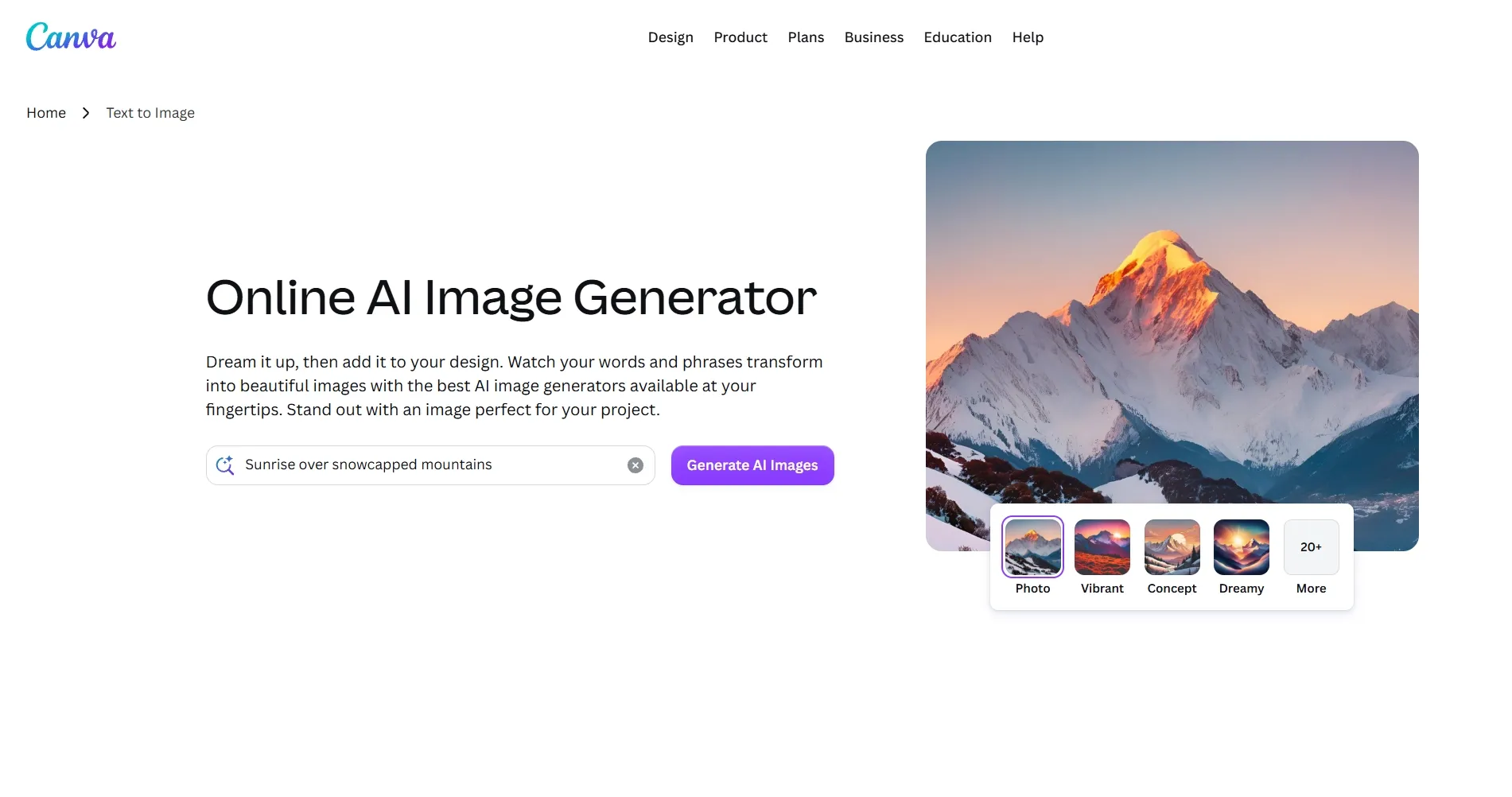
Canva felt closest to a complete design task. Its AI image upscaler can improve a soft picture, but the real convenience is keeping that image inside the layout you're already building.
I immediately thought of a pitch deck with one fuzzy team photograph. The photo needs attention, but so do the text effects, spacing, and final slide. Canva handles those pieces together. The same logic applies to a social announcement or an event invitation.
Manual Sharpness and Clarity adjustments are useful when the automatic result needs a smaller change. Still, I'd reserve Canva for mild softness rather than a badly missed focus point. Design speed, not intensive restoration, is what makes it appealing to me.
Read our Canva AI review for a broader look at its creative tools.
Key Features
- AI Image Upscale: Improve apparent image definition through an automated action.
- Manual Clarity Controls: Adjust sharpness and texture in the photo editor.
- Design Templates: Build posts, slides, and promotional graphics around enhanced photos.
- Multi-Format Exports: Download completed designs for digital or print use.
Best For
- Social media managers: Prepare crisp photos inside branded post designs.
- Presenters: Improve image quality in slide decks and reports.
- Small businesses: Build clearer flyers and promotional graphics.
Pros:
- Sharpening and design in one workspace.
- Accessible from supported desktop and mobile interfaces.
- Easy to place enhanced images in finished layouts.
Cons:
- Limited specialist deblurring control.
- The design environment may be unnecessary for one photo.
- Some related creative tools require Pro.
Fotor: Best AI Image Sharpener for Portraits and Personal Photos
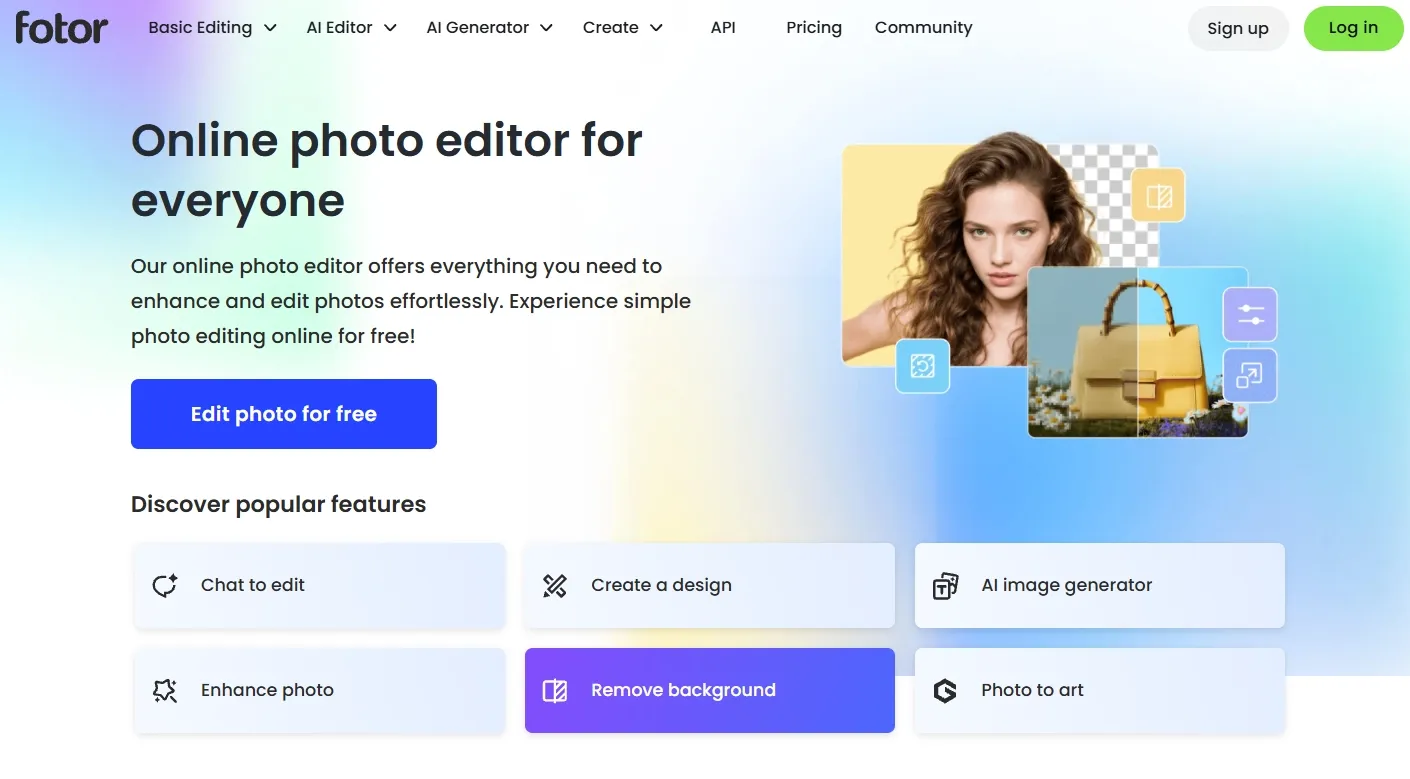
Fotor appealed to the part of me that wants to rescue personal photographs without spending an afternoon editing. Its dedicated sharpener sits alongside face unblurring, resolution enhancement, and noise cleanup.
For family portraits, I found the sharpening particularly useful for bringing out subtle facial details. Eyes and smiles appear more defined, individual hair strands become easier to distinguish, and clothing textures gain clarity.
What I appreciate most is how these improvements make a slightly blurry portrait look clearer while preserving the natural expressions and warmth of the original photo.
The restoration and photo retouching are welcome when an older portrait has several imperfections. I found the range easy to understand, although automatic fixes naturally leave less room for selective adjustments than a photography-focused editor such as Topaz.
If you're interested in its broader capabilities, read our Fotor AI review.
Key Features
- AI Sharpening: Improve soft edges and clarity in uploaded photos.
- Photo Unblurring: Address certain face and image blur problems.
- Portrait Retouching: Make additional refinements to personal photos.
- Noise Reduction: Reduce distracting grain through related tools.
Best For
- Families: Make treasured snapshots clearer for sharing.
- Portrait enthusiasts: Refine selfies and casual personal photographs.
- Travelers: Improve everyday vacation photos affected by softness.
Pros:
- Dedicated sharpener with related photo fixes.
- Straightforward for casual editing.
- Useful portrait and restoration features.
Cons:
- Automatic enhancement may change subtle facial detail.
- Some advanced editing access depends on plans or credits.
- Less targeted than professional focus-repair software.
Picsart: Best AI Image Sharpener for Social Media Photos
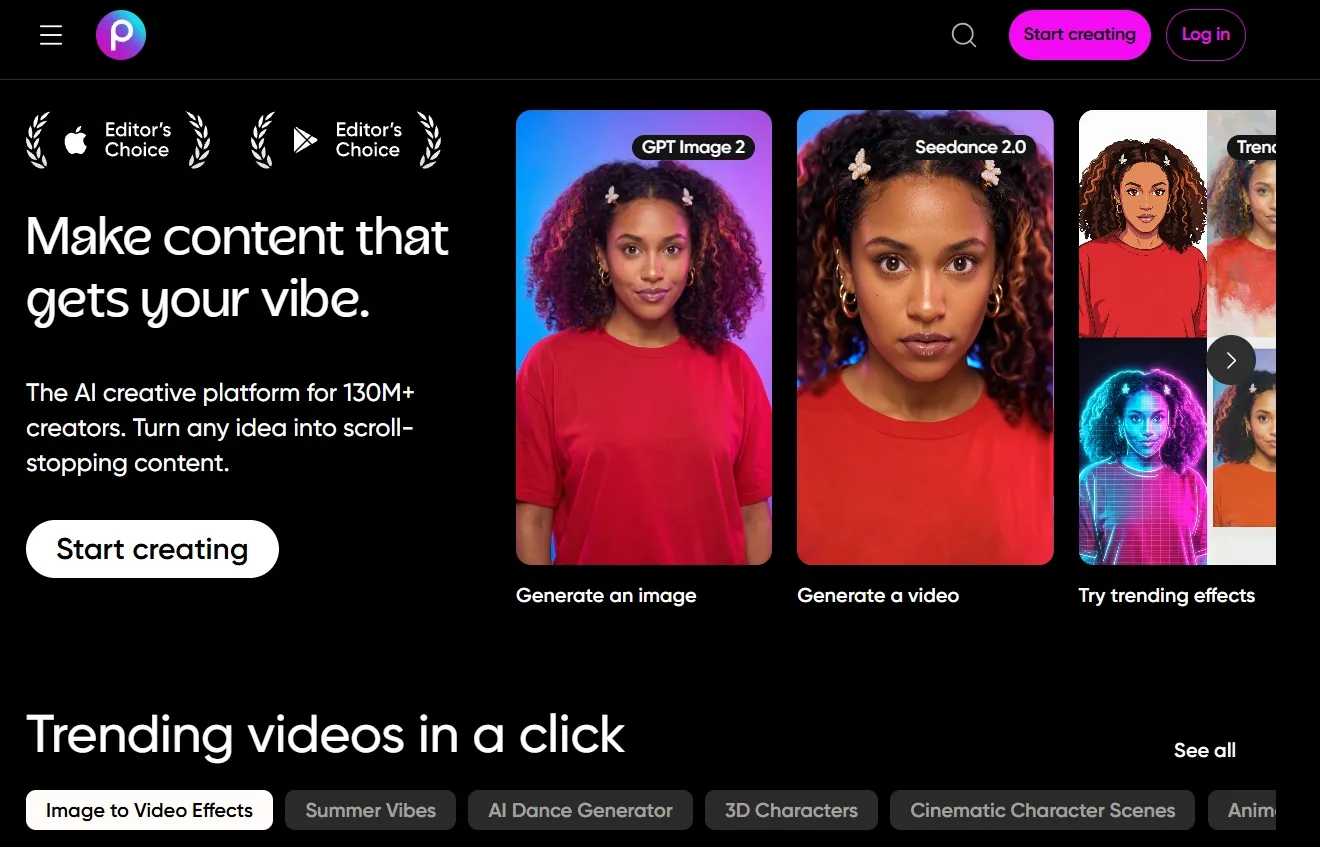
Picsart made me think about the finished social post rather than the raw photograph. Its AI enhance feature targets blur and weak detail, and the same editor provides text, effects, and other styling options.
An outfit photo is a good example. Picsart's sharpening helps bring out clothing details that might otherwise get lost. Knit patterns, denim stitching, and accessory edges appear more defined, making different fabrics easier to distinguish.
I find this especially useful for fashion content, where clearer textures can make an outfit look more appealing even on a small phone screen.
What gives me pause is the temptation to keep enhancing. Skin can become overly smooth, and patterned clothing can acquire unnatural edges. I prefer a lighter touch when the original texture matters more than making the picture immediately eye-catching.
Take a closer look at its tools in our Picsart AI review.
Key Features
- AI Enhance: Sharpen details, correct some blur, and adjust image appearance.
- Photo Upscaling: Improve clarity in small or pixelated images.
- Creative Effects: Add filters, text, stickers, and graphic elements.
- Batch Enhancement: Improve sets of images in supported workflows.
Best For
- Lifestyle creators: Prepare cleaner portraits and outfit photos.
- Influencers: Improve profile pictures and recurring social content.
- Content teams: Refine batches of photographs before designing posts.
Pros:
- Combines enhancement and expressive photo editing.
- Good fit for social-media-oriented workflows.
- Supports multiple types of photo improvement.
Cons:
- Some AI enhancements need credits or paid access.
- Styling features can distract from subtle restoration.
- Reconstructed textures deserve close review.
Pixlr: Best AI Image Sharpener for Blurry Travel and Action Snapshots
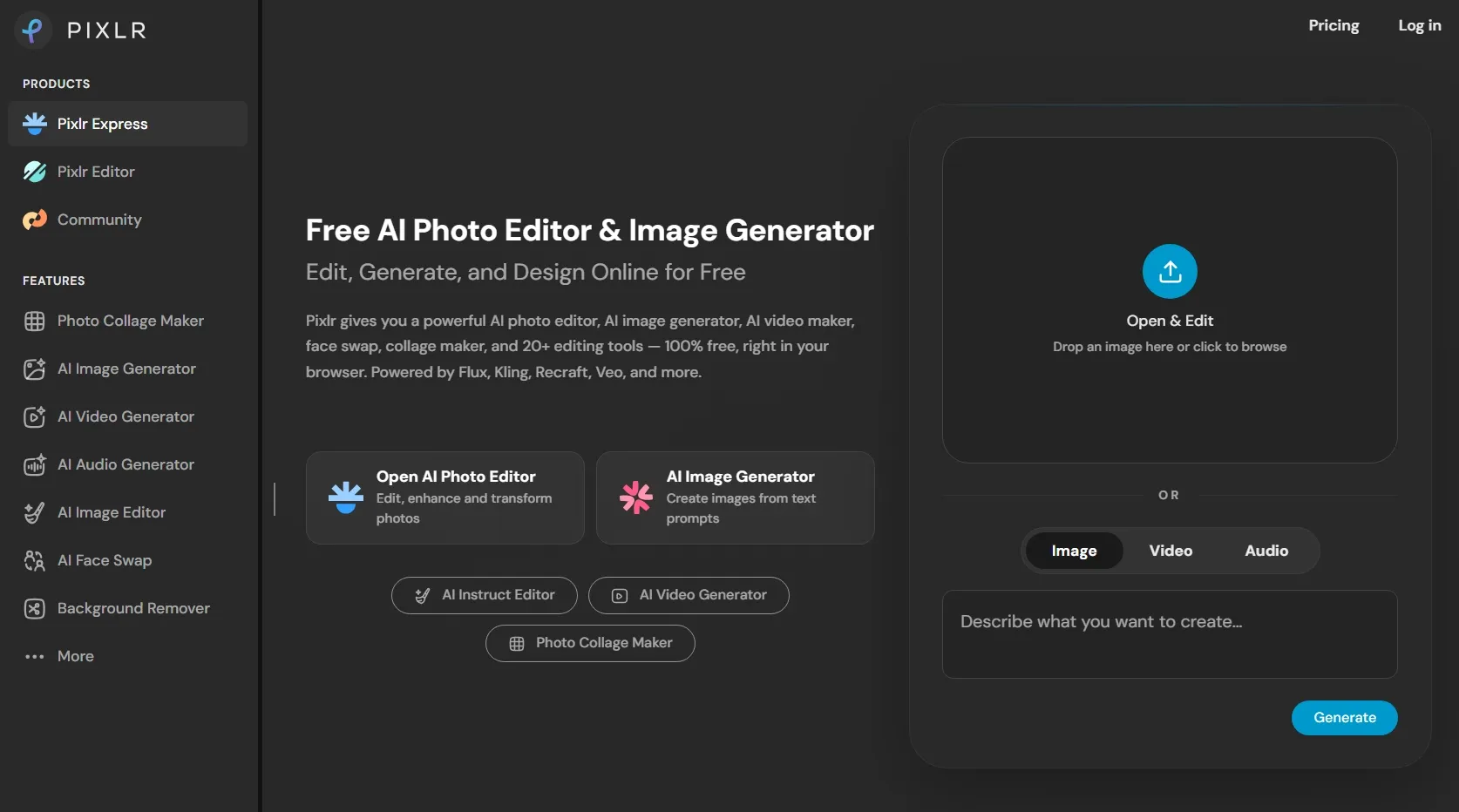
Pixlr has one feature I paid special attention to: AI Super Sharp. It targets lens blur and motion blur, two familiar problems when photographing a moving subject or shooting handheld.
The sharpening effect is most noticeable in areas where fine details originally looked soft. Facial features become more defined, object edges appear cleaner, and subtle textures are easier to distinguish. I particularly like using the Compare button to see how much clarity has improved while checking that the image still looks natural rather than overly sharpened.
Its manual sharpening adjustment adds another route for minor edits. I'd consider that for a lightly softened photo, while Super Sharp fits more obvious blur. The free-trial credit allowance is something I'd check before processing a large holiday album.
For more about the wider editor, explore our Pixlr AI review.
Key Features
- AI Super Sharp: Address blur caused by camera movement or missed focus.
- Before-and-After Comparison: Review the apparent improvement before saving.
- Manual Sharpen Adjustment: Set sharpening intensity in the editor.
- Multiple Downloads: Export in supported common image formats.
Best For
- Travel photographers: Improve handheld snapshots with soft details.
- Sports fans: Clean up casual action photos affected by movement.
- Bloggers: Refresh blurry photographs before using them online.
Pros:
- Targets two familiar types of photographic blur.
- Offers a convenient comparison view.
- Provides both automatic and manual options.
Cons:
- AI enhancements require trial credits or paid access.
- Heavy movement may remain difficult to correct.
- Advanced photography controls are relatively limited.
Pixelcut: Best AI Image Sharpener for E-commerce Product Photos
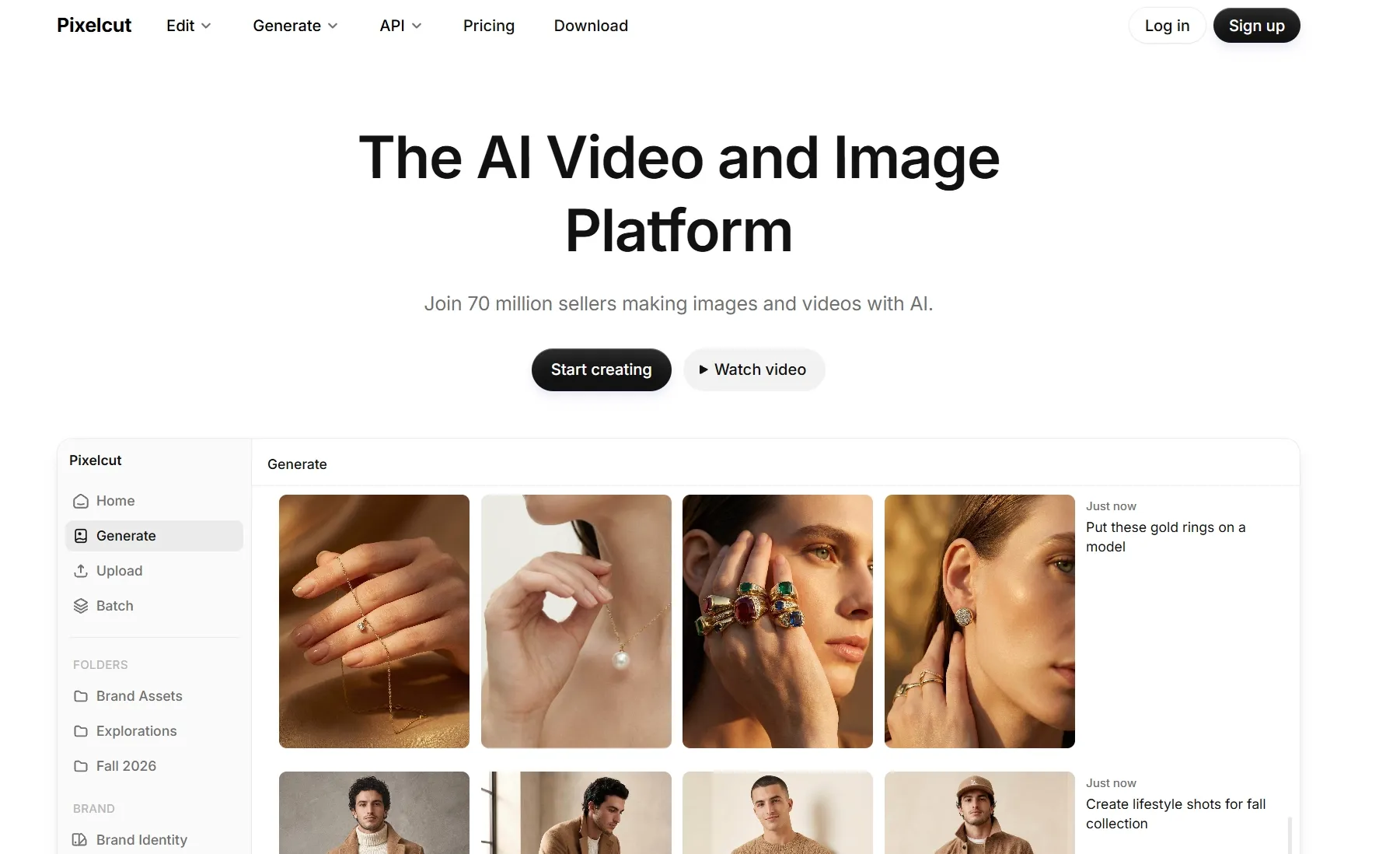
Pixelcut shifted my attention from general aesthetics to product accuracy. Its AI sharpener sits within a toolkit designed for cleaning up and presenting merchandise, including enhancement and background changing.
The sharpening results are particularly useful for e-commerce product photos. On clothing images, seams and fabric textures become more defined, while cosmetic packaging gains cleaner outlines and crisper label details.
I find that these improvements make products easier to examine, especially on smaller screens. However, I still check printed text and logos closely before using the enhanced images in product listings.
The supported batch workflow is another reason it suits catalog work. I can see the appeal when many listings need similar preparation. Compared with a specialist photo editor, though, Pixelcut's emphasis is on getting commercial assets ready efficiently rather than tuning every photographic imperfection.
Key Features
- One-Click AI Sharpening: Improve perceived clarity in existing product photos.
- Image Unblurring: Refine soft pictures through a related tool.
- Product Photo Editing: Prepare backgrounds and other listing details.
- Batch Workflows: Handle larger image collections on eligible plans.
Best For
- Online sellers: Prepare clearer product images for storefronts.
- Product photographers: Improve apparel, accessories, and packaging details.
- Small brands: Polish recurring catalog and promotional imagery.
Pros:
- Fits naturally into e-commerce photo preparation.
- Simple sharpening and enhancement options.
- Related tools for cleaning up listing images.
Cons:
- Advanced features may require Pixelcut Pro.
- Small labels and textures need fidelity checks.
- Less specialized in complex focus recovery.
How I Compared These AI Image Sharpeners
My guiding question was: Does this sharpen the picture while keeping the subject believable? A dramatic before-and-after preview means little to me if skin, lettering, or product textures look wrong afterward.
I explored how each platform approaches the task, what controls it gives me, and where its wider editing workflow becomes useful. The ranking reflects these practical differences; I haven't assigned invented scores or claimed a controlled same-image quality test.
These are the factors I weighed:
- Blur correction: Does the tool address soft edges, motion blur, or missed focus—or mainly enlarge an image?
- Detail handling: How does its approach affect hair, fabric, natural textures, packaging, and other fine elements?
- Original-image fidelity: Does the workflow prioritize preserving recognizable subjects instead of inventing excessive detail?
- Noise management: Can you reduce grain without losing the texture you're trying to sharpen?
- Practical controls: Are there meaningful sharpening settings, model options, or a comparison preview?
- Image suitability: Is it built for professional photos, personal portraits, marketing graphics, social content, or products?
- Ease of use: How direct is the process from upload to result?
- Additional editing: Can you improve the photo further when sharpening alone isn't enough?
Core image correction mattered most in my ranking. Extra editing features earned their place only when they could make the sharpened image more useful for its intended destination.
My Final Verdict
After comparing these eight AI image sharpeners, I found that the best results aren't necessarily the sharpest ones. What matters more is whether the enhanced image looks natural, preserves important details, and meets your needs, whether for personal memories, product listings, or creative projects.
Pollo AI is my overall recommendation because it combines effective image sharpening with versatile tools for further enhancement and creative work. I particularly value that flexibility when a photo needs more than a single improvement.
If you're ready to bring your photos back into focus, try Pollo AI's image sharpener and give your images the clarity they deserve.